Finish the working session before packing
Save open work and check for an unfinished transfer or update. Select the state recommended by the manufacturer for transport and wait until the computer is ready. A machine continuing to work inside a tight bag may face unsuitable heat conditions. Disconnect accessories carefully and remove small receivers or adapters if packing could put pressure on their sockets. Put these pieces straight into their designated compartment. This turns dismantling into an understandable sequence instead of ending with a search under the desk for a tiny connector you removed earlier and absent-mindedly put somewhere else.
Use the computer compartment properly
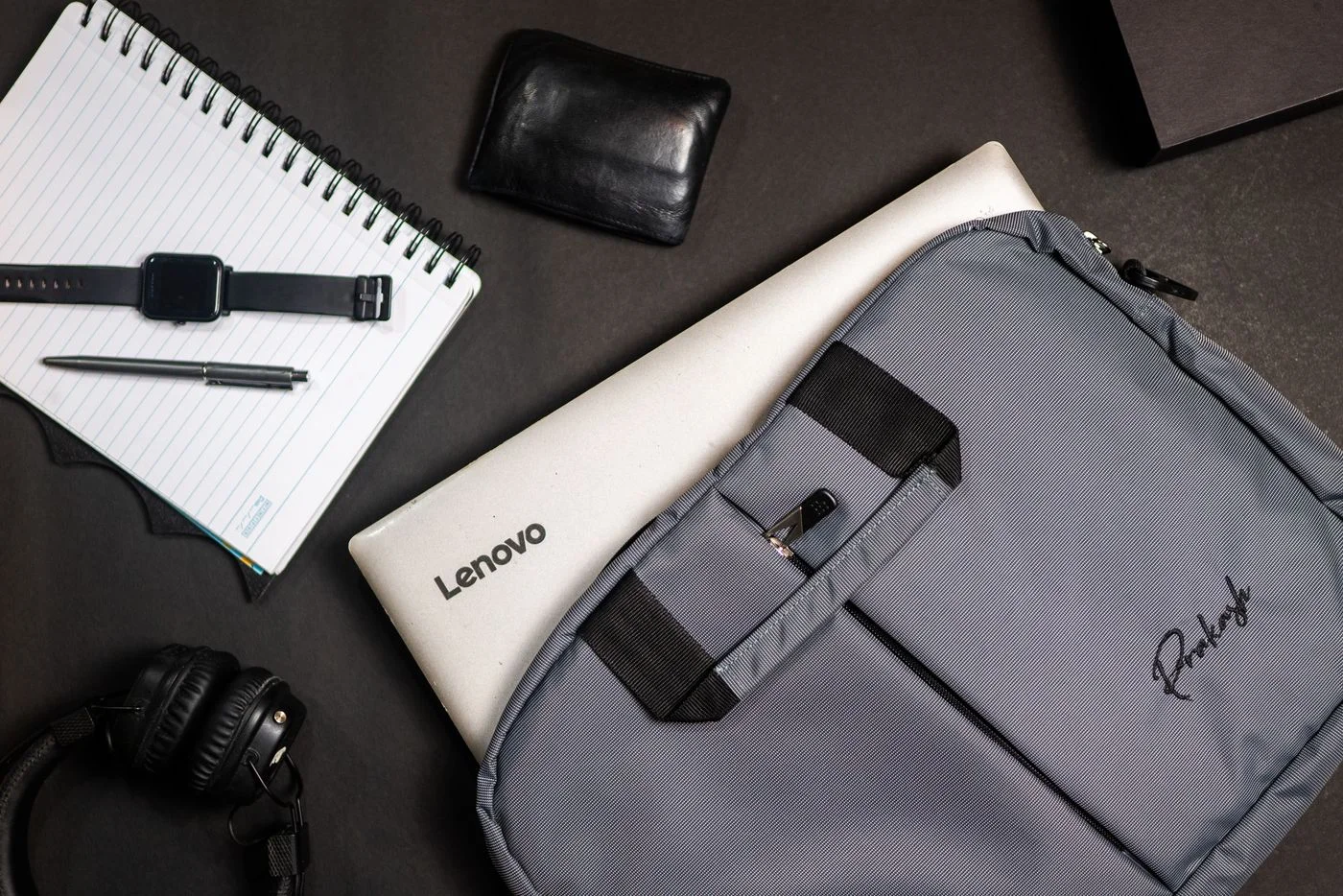
Check that the compartment suits the laptop’s actual dimensions and holds it without pressure on the lid or edges. Nominal screen size alone does not describe all external measurements. Keep loose hard objects such as keys, coins and power plugs away from the computer. They can scratch surfaces or enter openings. Close zips carefully and check that no cable is caught. An extra sleeve may help, but should not make the bag so tight that it squeezes the device. Try the arrangement with an empty or lightly loaded bag first, then add other belongings deliberately.
Pack cables without tight bends
Coil cables loosely in suitable curves and avoid repeatedly bending them sharply beside their plugs. Separate a power adapter’s components only where its design provides for this. Do not use a cable as a strap to hold other items together. While packing, look for visible damage, loose components or unusual deformation. A damaged power cable should not remain in the bag as an emergency spare. Arrange the charger, mouse and adapters so their weight does not press on the laptop lid. A small accessory pouch can stop loose pieces repeatedly striking one another or the computer while walking.
Account for liquids and weather
Keep drinks separate from electronics where possible. A closed container can leak under some conditions, and the bag itself is not automatically waterproof. Read its actual specifications rather than trusting a water-resistant appearance. Prepare for rain without putting damp objects beside the laptop. Moving from very cold surroundings into a warm room can introduce special conditions; follow the device maker’s advice before operating it. Avoid unnecessarily leaving the computer in a hot vehicle. A bag does not protect against every temperature or moisture exposure, even when it appears padded and closes securely around the equipment.
Rebuild the setup deliberately at the destination
Put the bag down securely and remove the laptop onto a suitable clear surface. Check that the charger and small adapters arrived with it. Connect only what you need and briefly test the intended task before an appointment begins. A small packing list containing genuinely necessary items is especially helpful for changing workplaces. Do not add equipment merely because space remains. Personal information also needs suitable access protection and an independent backup; a good bag replaces neither. Avoid keeping important records solely on the device you carry, since careful packing cannot eliminate loss or theft.
Give the computer and accessories separate places, and protect connections, cables and data deliberately.