Digital Life
Keep files, memories and digital routines manageable.
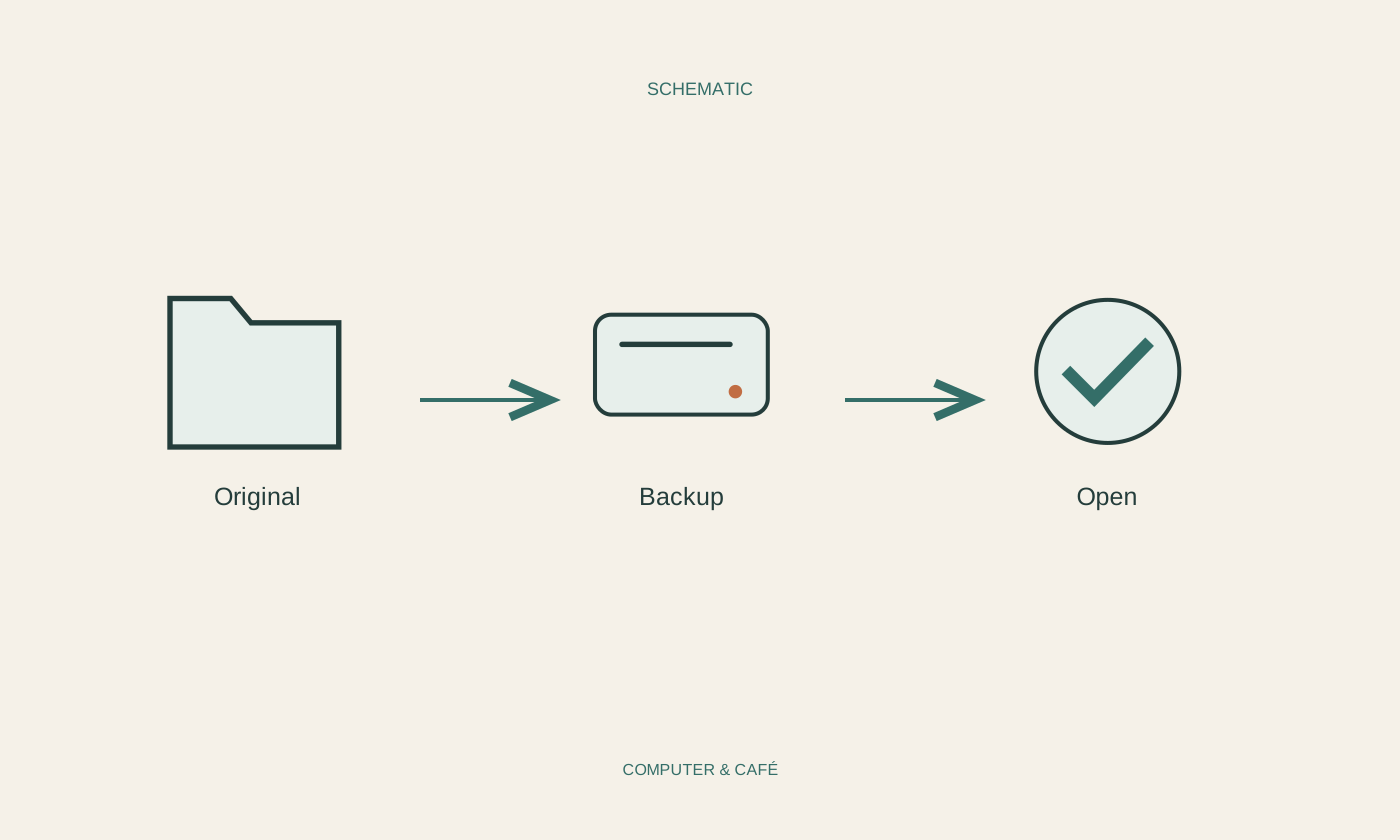
Build a backup you can check
A backup is more than a second icon in a file manager. What matters is whether you can recover important files from it.
Read the guide ↗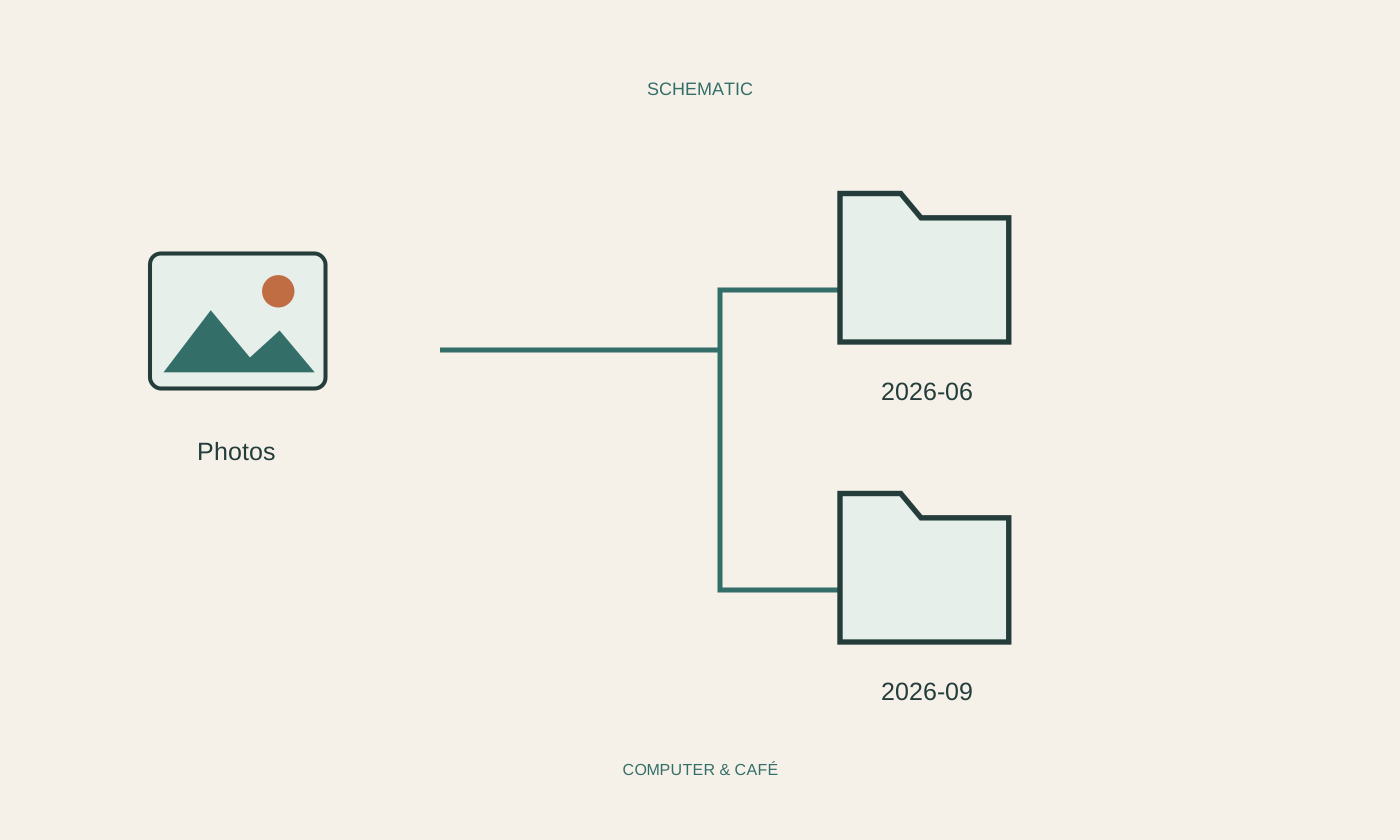
Organise family photographs by event
An event is often easier to remember than a filename. Organise a manageable collection while keeping its originals.
Read the guide ↗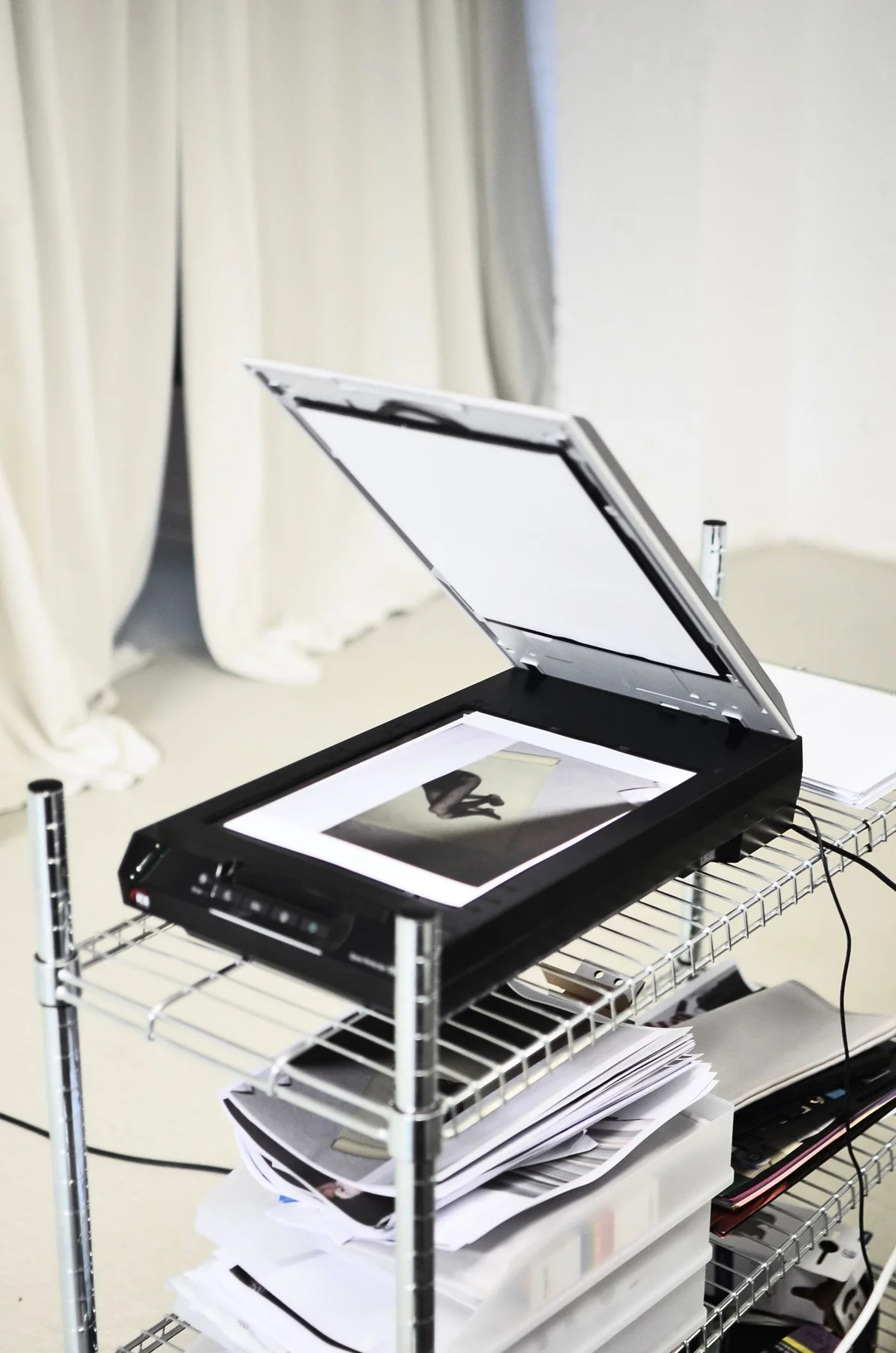
Digitise household papers in small batches
A small checked batch is more useful than hundreds of unverified scans. Make household papers readable and easy to retrieve.
Read the guide ↗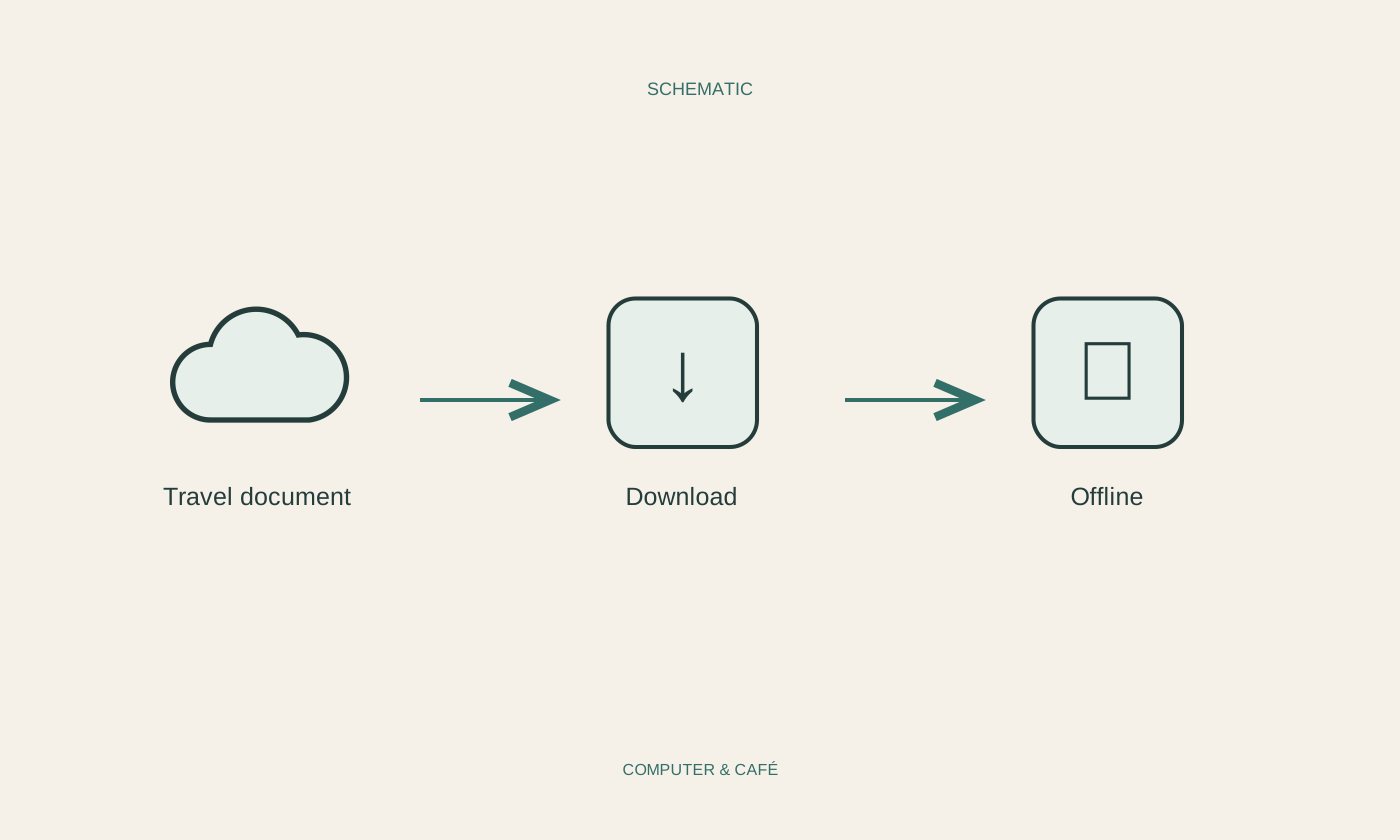
Keep travel documents available offline
A visible cloud entry is not yet a travel document you can use offline. Test important files without a connection before leaving.
Read the guide ↗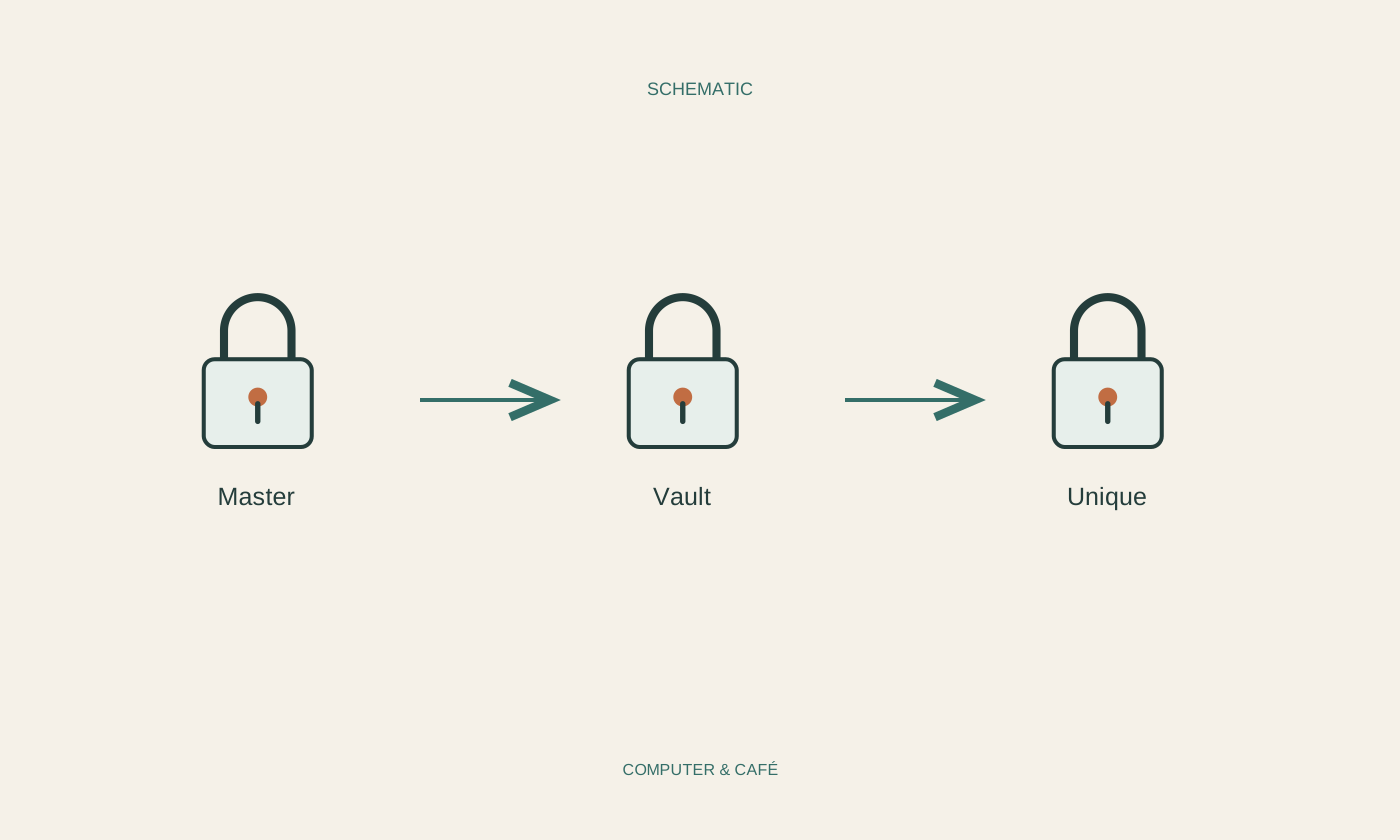
Get started with a password manager
A password manager becomes useful when you understand access and recovery as well as the vault itself.
Read the guide ↗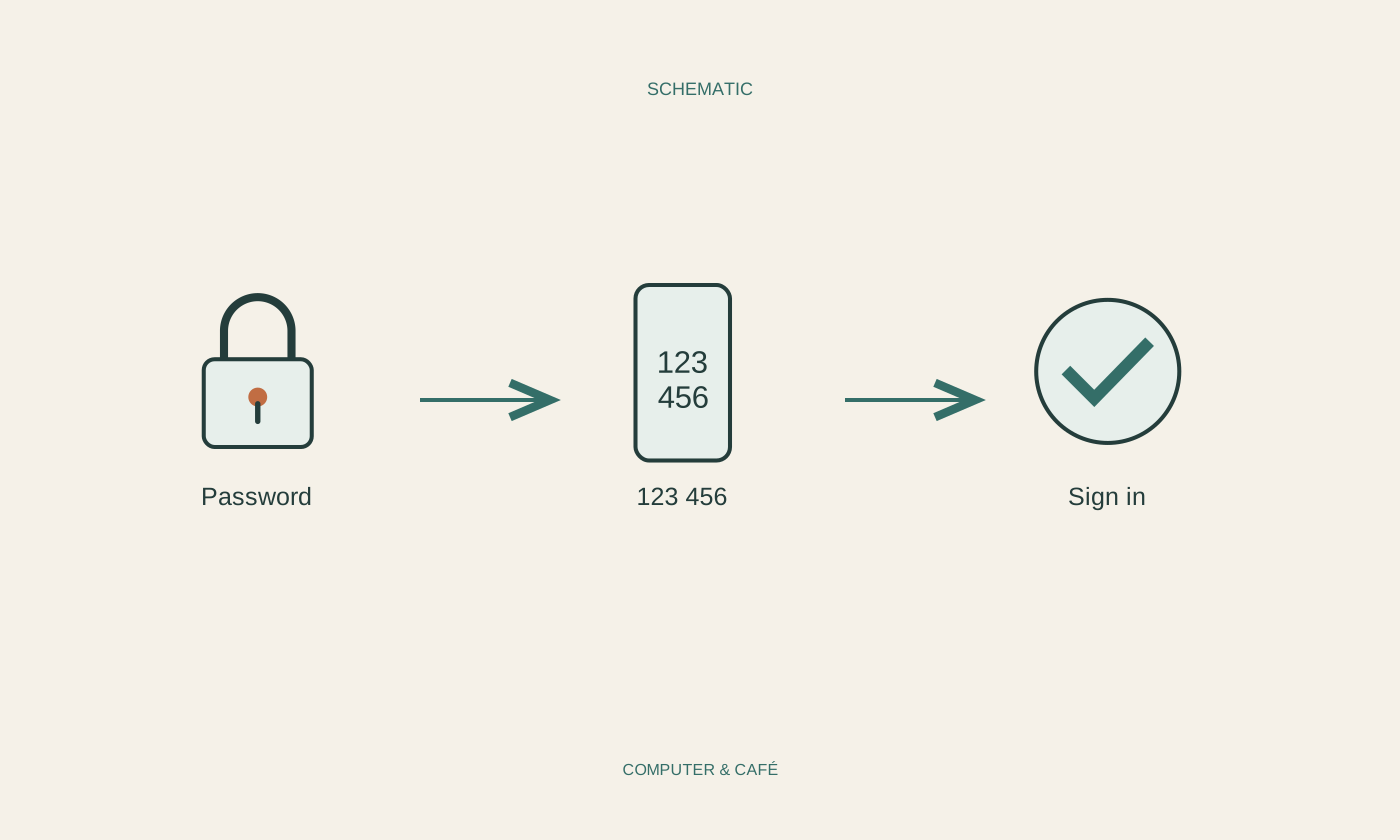
Prepare a second sign-in step
A second sign-in step is useful when you can use it reliably and retain access through a device change.
Read the guide ↗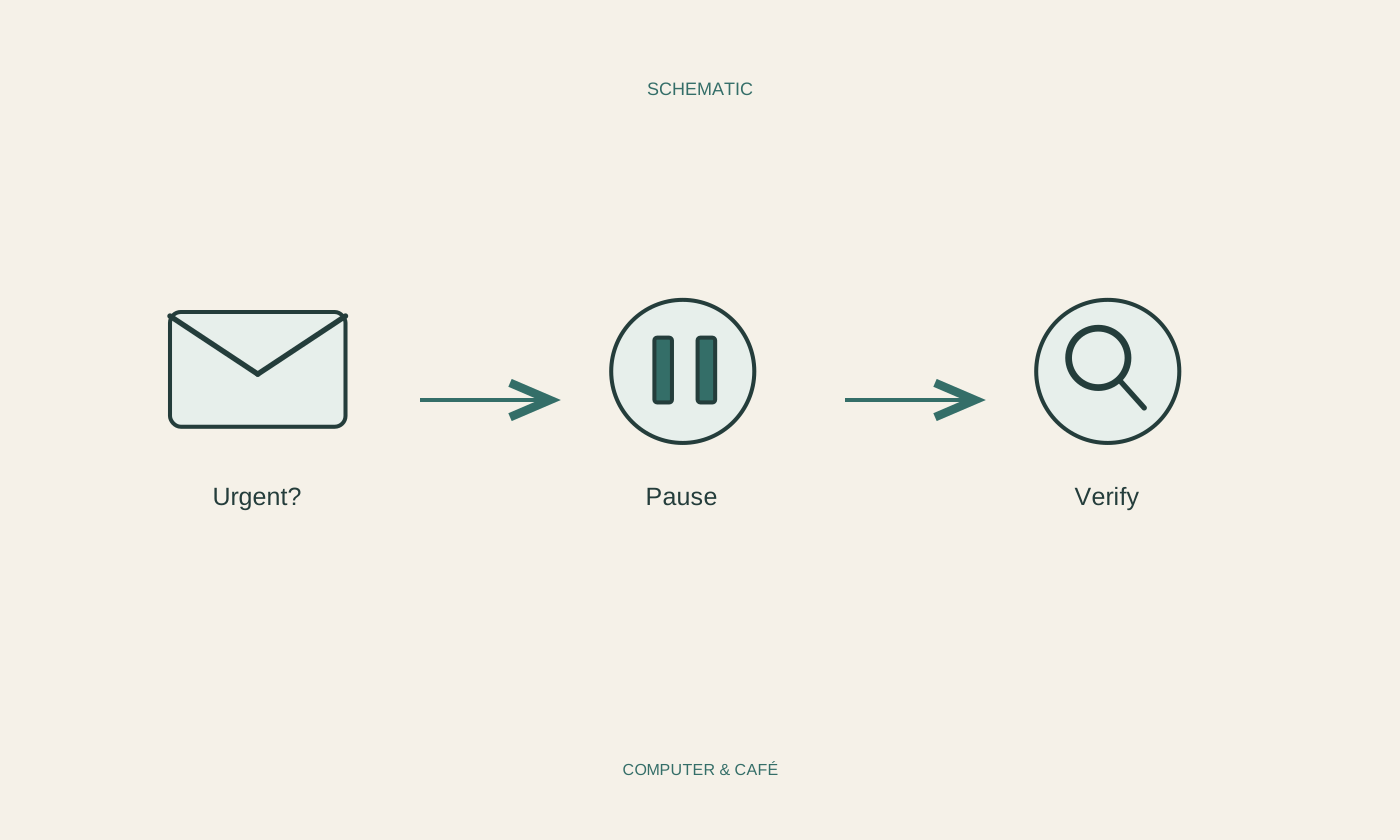
Pause before acting on a suspicious message
Urgency is a poor guide when a message arrives unexpectedly. A short pause creates room for an independent check.
Read the guide ↗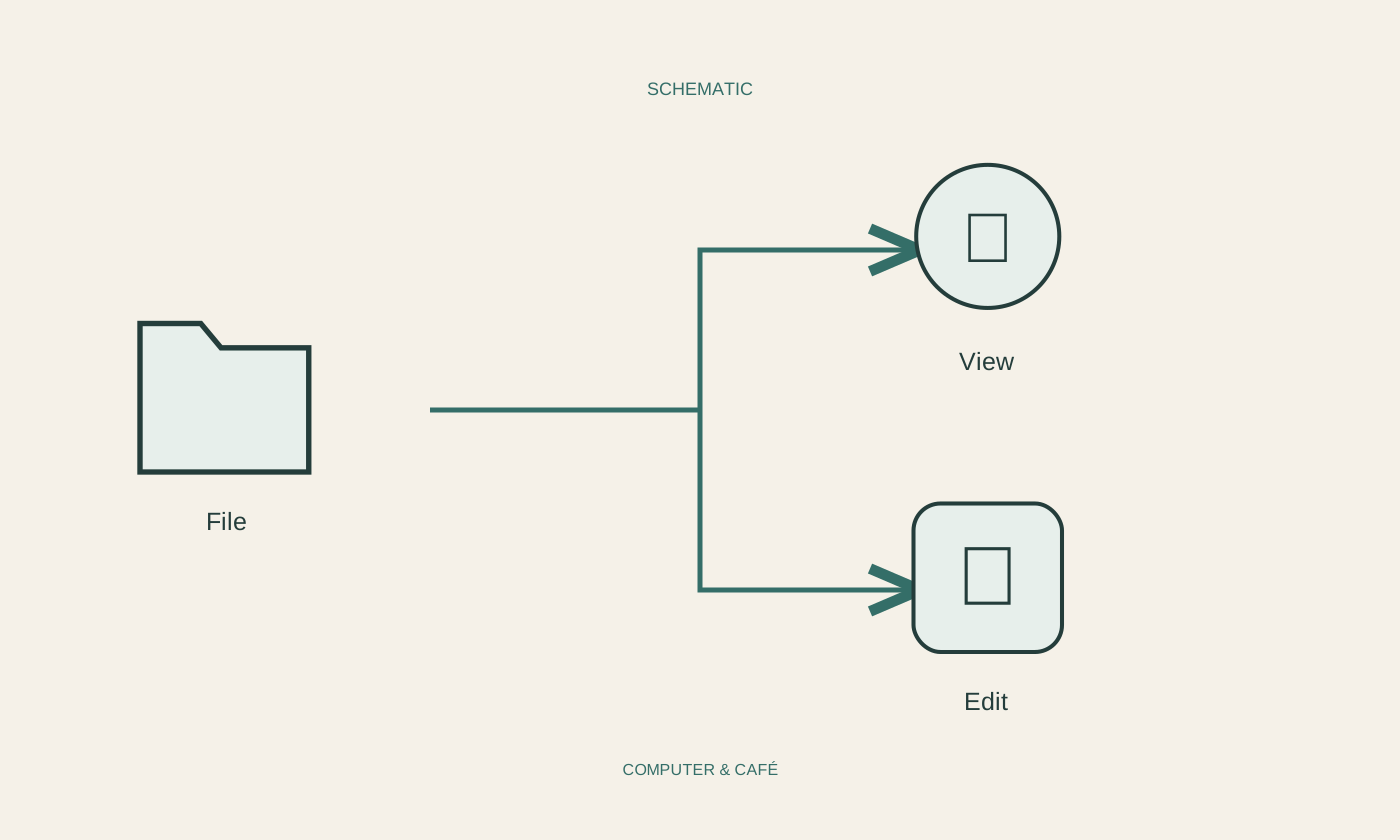
Share files with appropriate permissions
A sharing link should fit both its recipient and its purpose. Check access and editing permissions before sending.
Read the guide ↗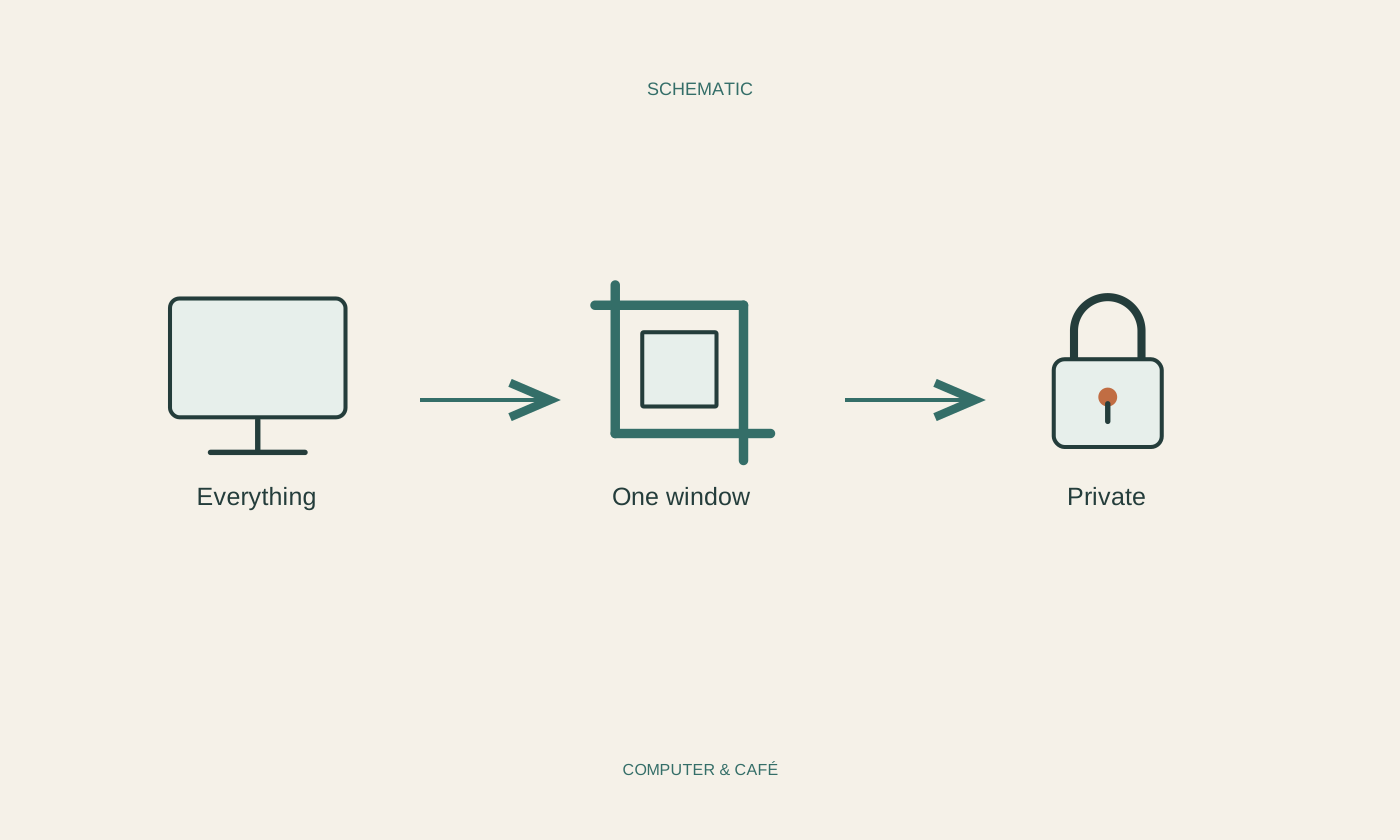
Prepare your screen before sharing it
A little preparation protects private material and makes your explanation easier to follow. Deliberately choose what will be visible.
Read the guide ↗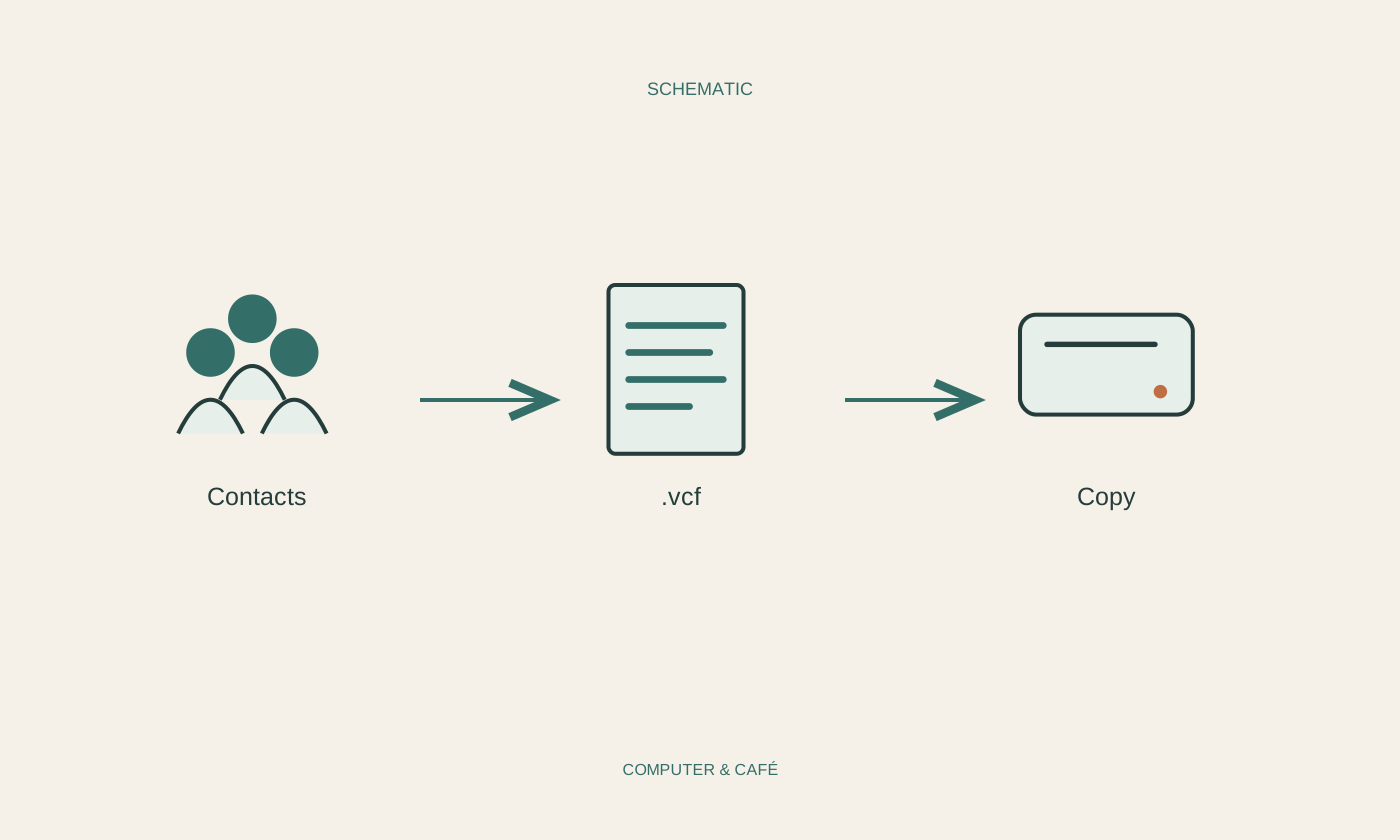
Keep a recoverable copy of important contacts
Contacts are often spread across several accounts. A checked copy reveals what you have and what can be imported again.
Read the guide ↗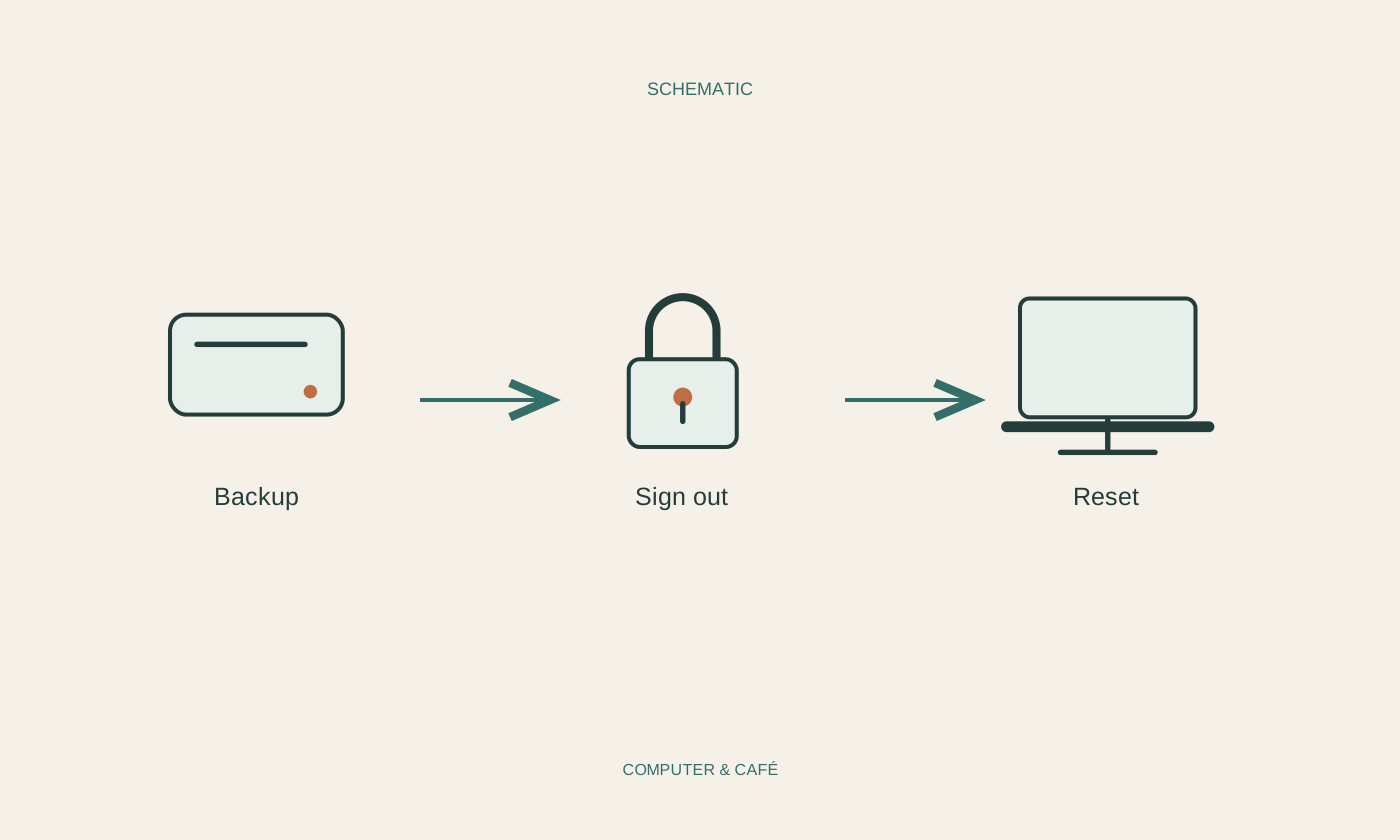
Prepare an old computer for a new owner
Before handing over a computer, check your backup, follow the right manufacturer instructions and end your own access.
Read the guide ↗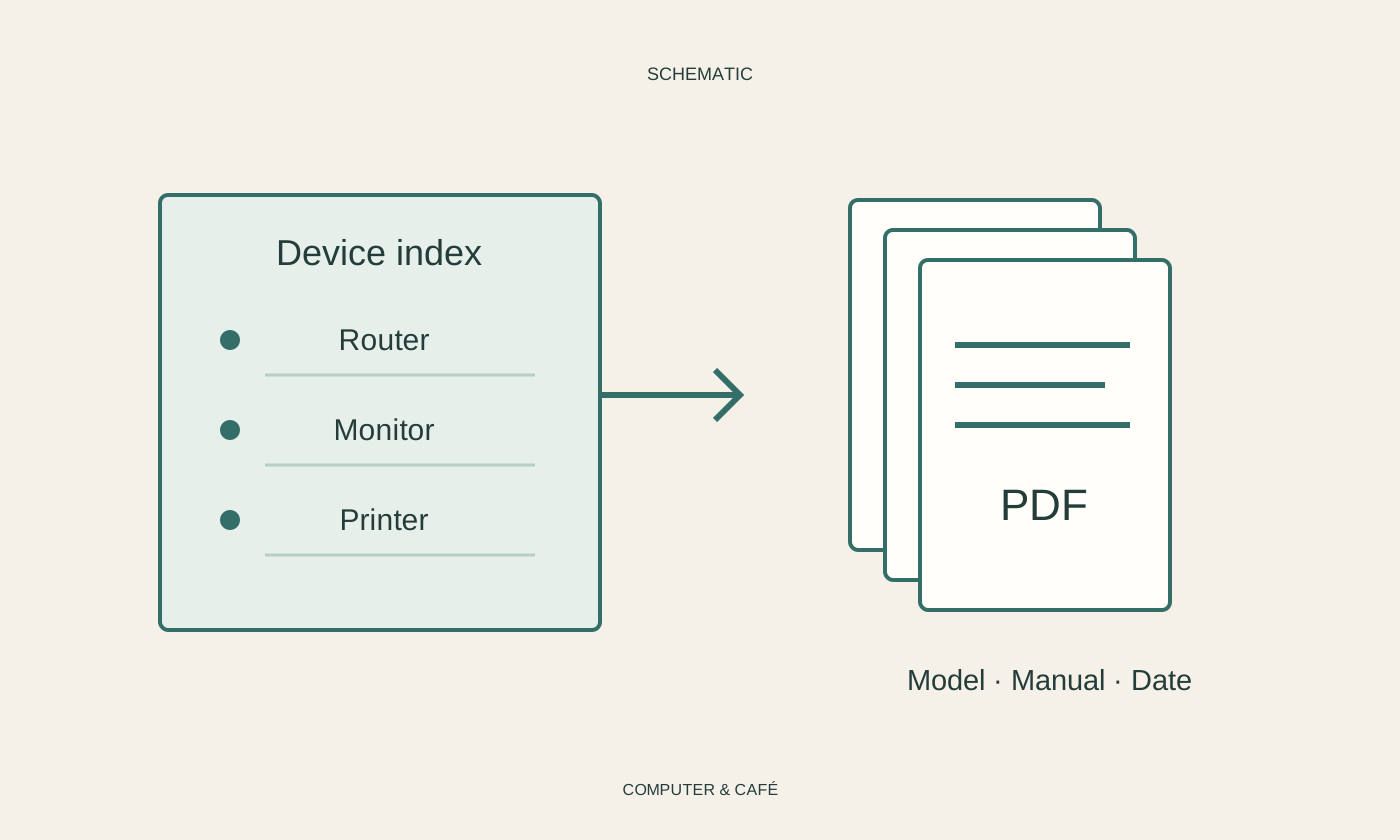
Keep device manuals in one place
A manual helps only when the model and edition match. A small collection saves later searching for connections and settings.
Read the guide ↗
Explain computer help clearly to family
Useful computer help starts with an understandable question. Let the other person try the steps and keep changes small.
Read the guide ↗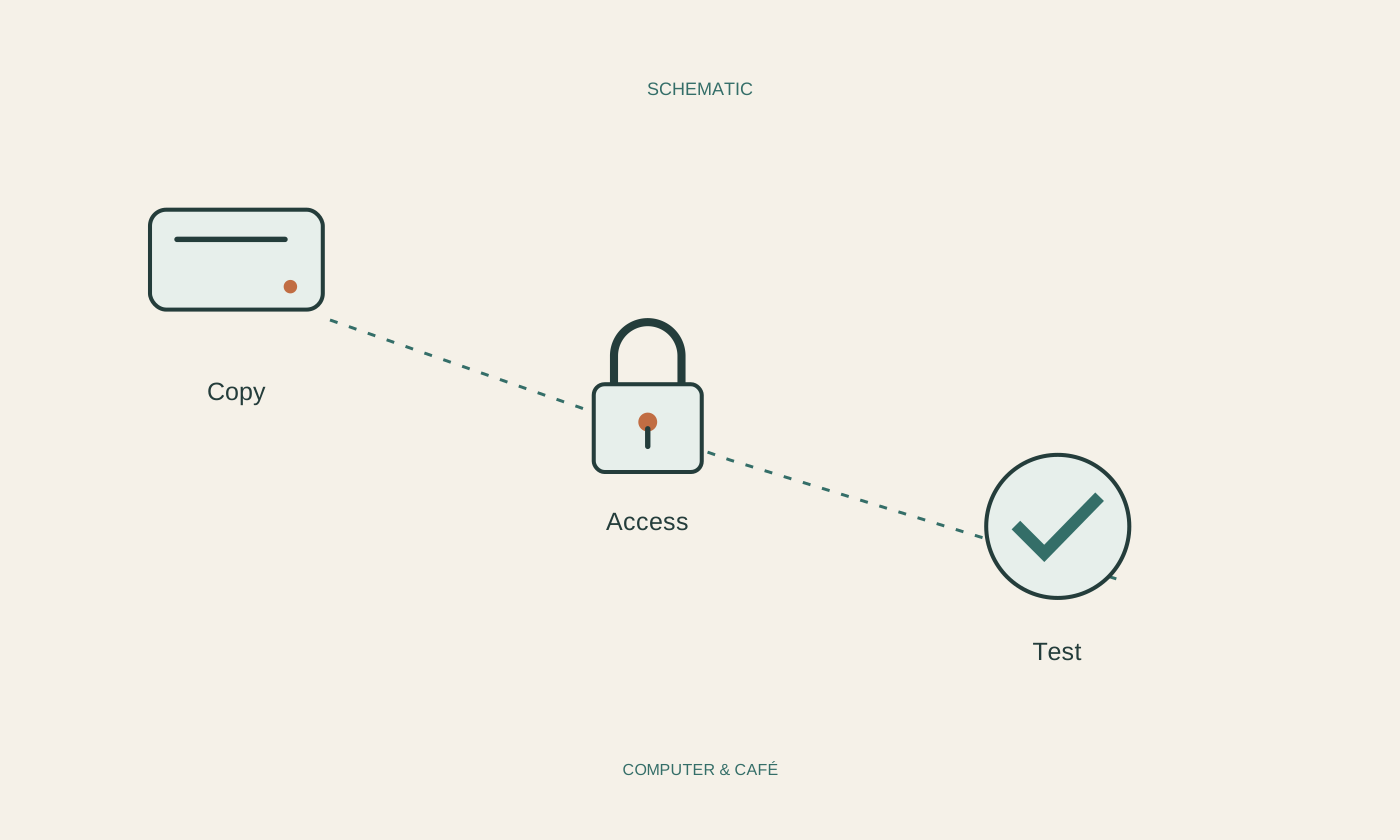
Use a short checklist when changing devices
Changing devices is easier when files, accounts and accessories are checked separately. Keep the old setup as a fallback initially.
Read the guide ↗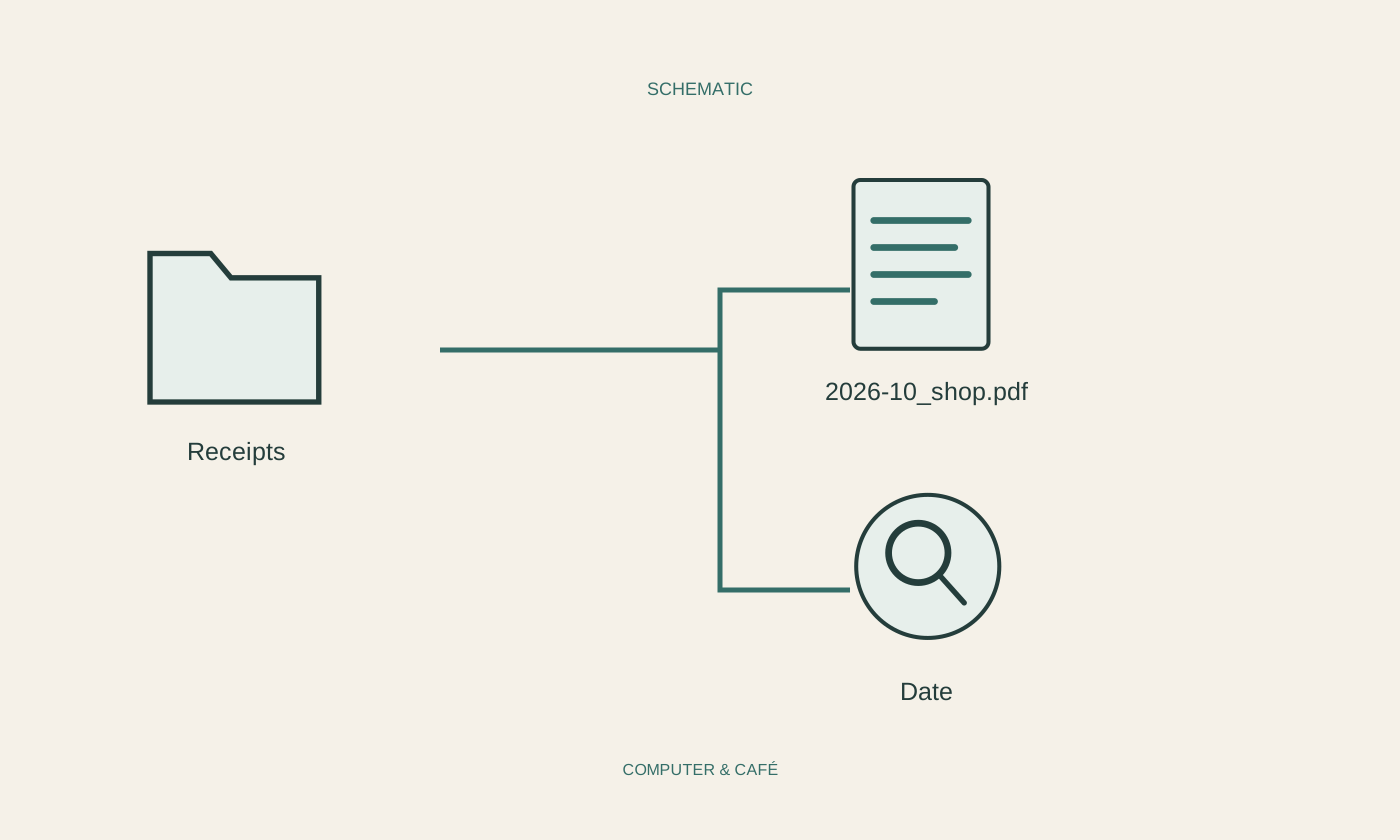
Keep digital receipts easy to find
A receipt should be retrievable by date, supplier or purpose. Simple filing prevents it from disappearing into the inbox.
Read the guide ↗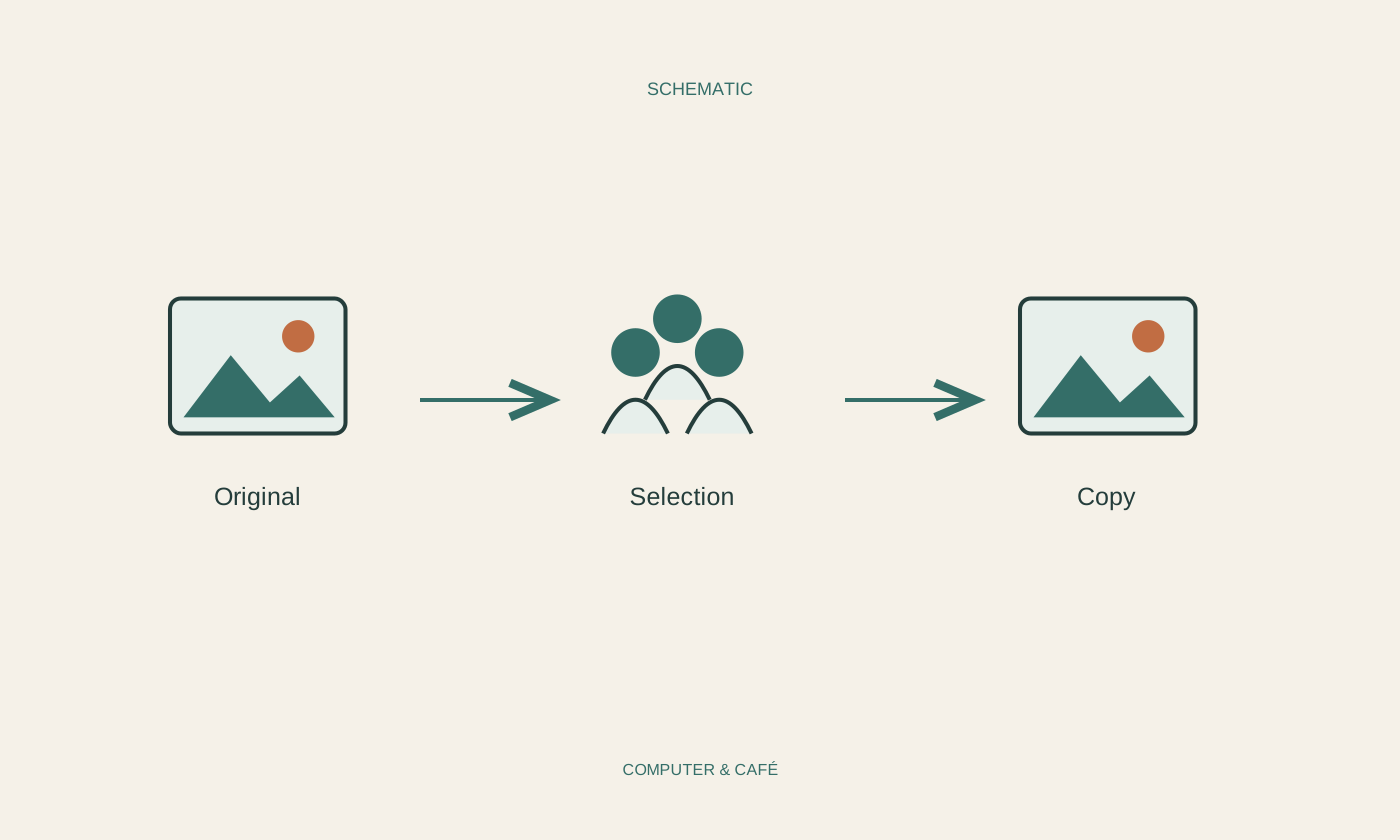
Choose photos together without losing originals
Choosing pictures together should not disrupt the collection. Separate unchanged originals from selections and copies prepared for sharing.
Read the guide ↗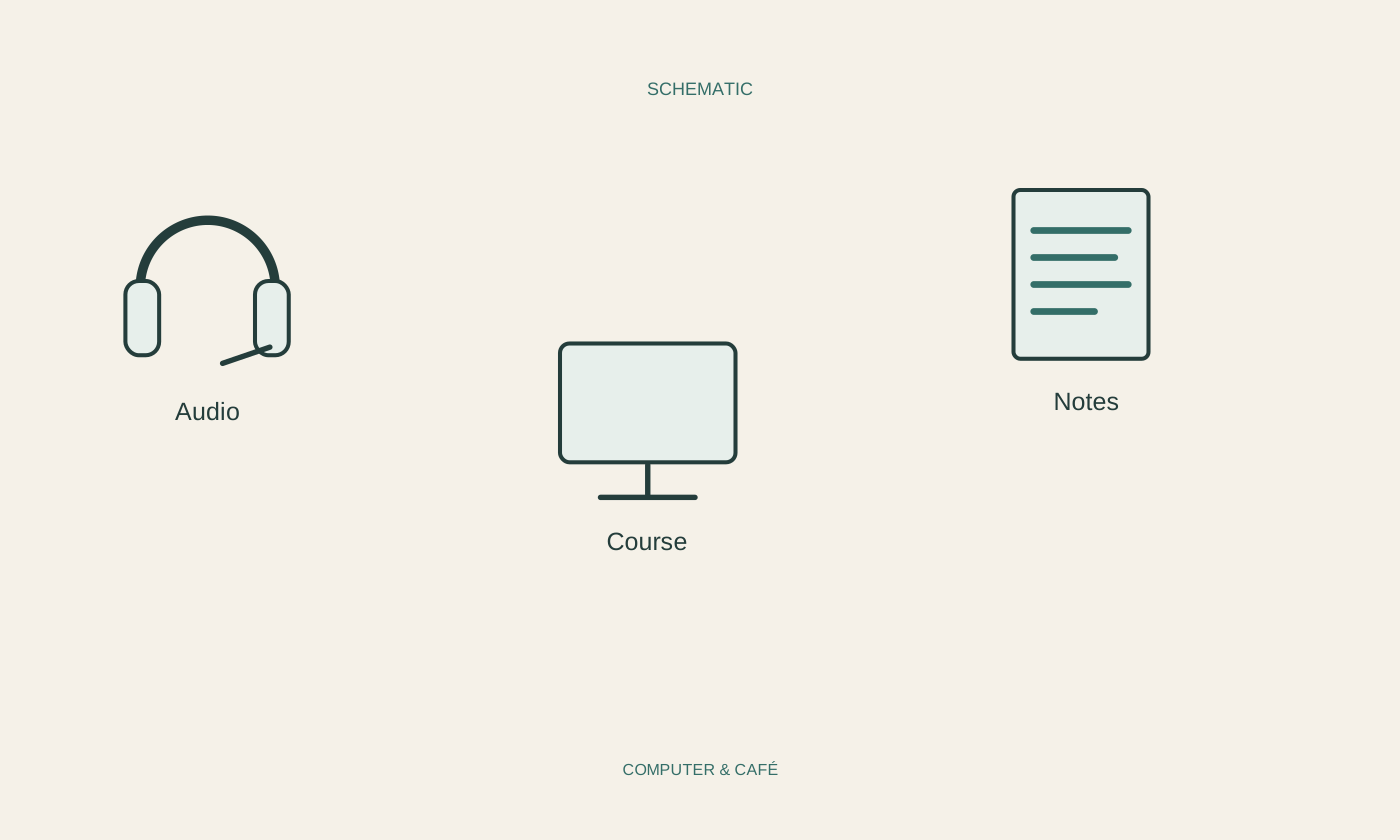
Prepare a simple setup for an online course
An online course needs reliable audio, accessible materials and a calm start. Test the actual sequence beforehand.
Read the guide ↗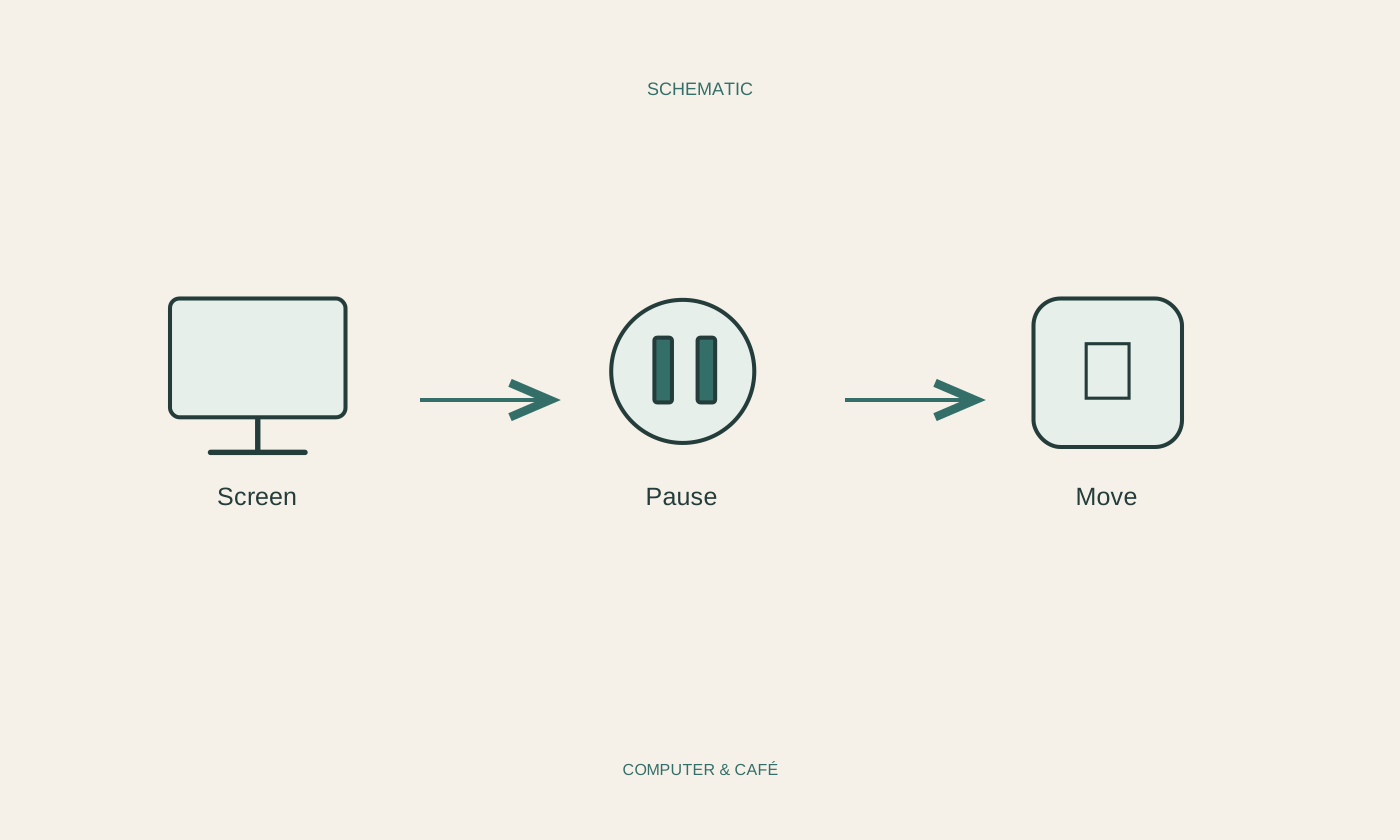
Build screen breaks into the day
Breaks are easier to keep when they fit the work. A small plan helps you deliberately step away from the screen.
Read the guide ↗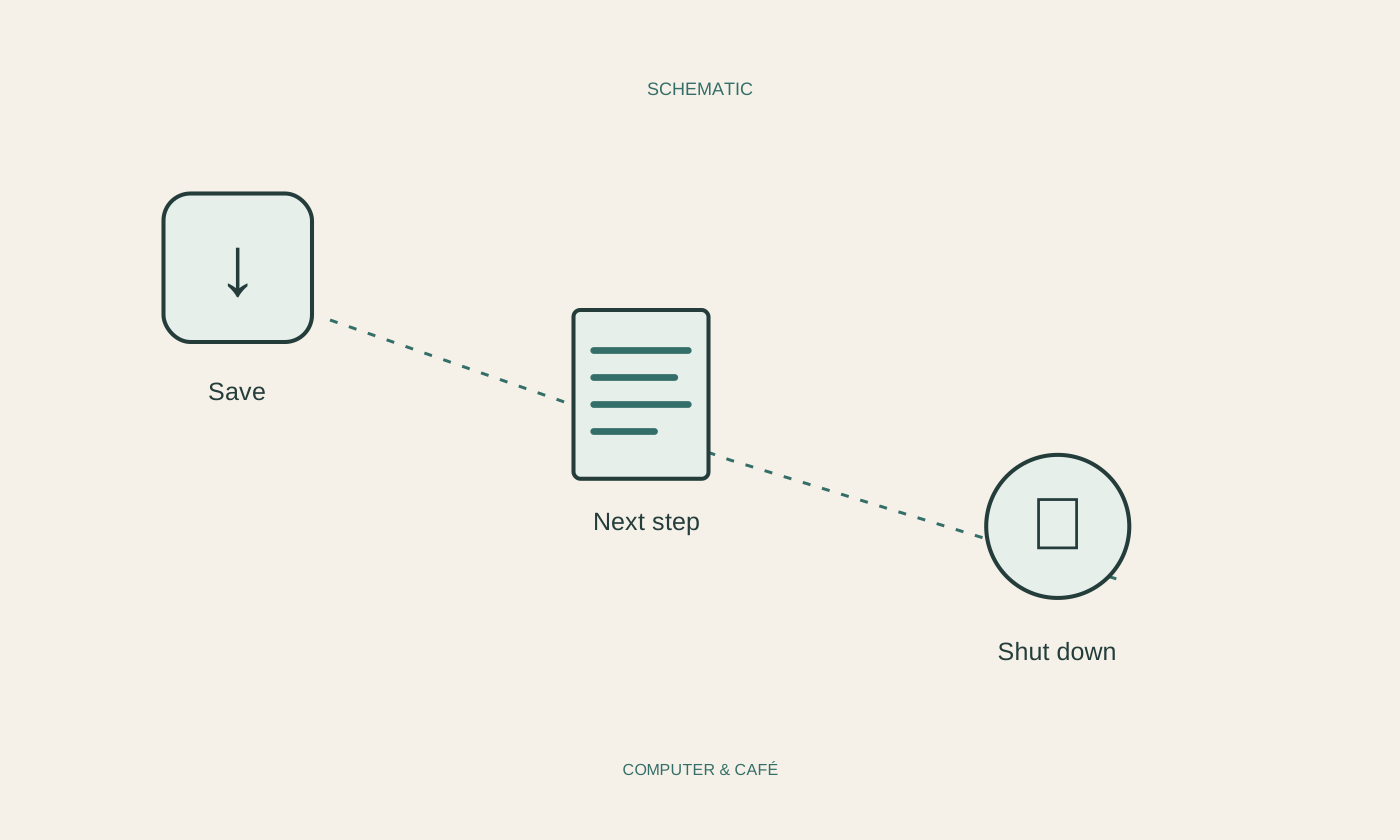
Leave your computer ready for tomorrow
A brief finish saves tomorrow’s search for files and unresolved questions. Preserve the current state and make the next action clear.
Read the guide ↗