Start from the correct account
Open account settings using an official address you enter yourself or an application you already trust. Do not follow an unexpected message demanding an immediate change. Check which account is signed in: a personal account and an organisation-managed account may offer different methods and different recovery contacts. Establishing this first avoids configuring the wrong account or relying on an unavailable recovery route.
Read the offered security options carefully. A service may support an authenticator application, security keys or other methods. Suitable choices depend on the service and your devices. Methods do not all offer the same resistance to deceptive sign-in pages. Phishing-resistant options can better address those attacks than ordinary codes, while still requiring careful setup and attention to unexpected requests.
Link the additional method deliberately
Follow the service’s current instructions and have the intended second device ready. When using an authenticator application, associate the entry with the correct account. A meaningful label helps separate personal and work sign-ins later. A setup image containing a secret key does not belong in an open group conversation or another location visible to people who should not access the account.
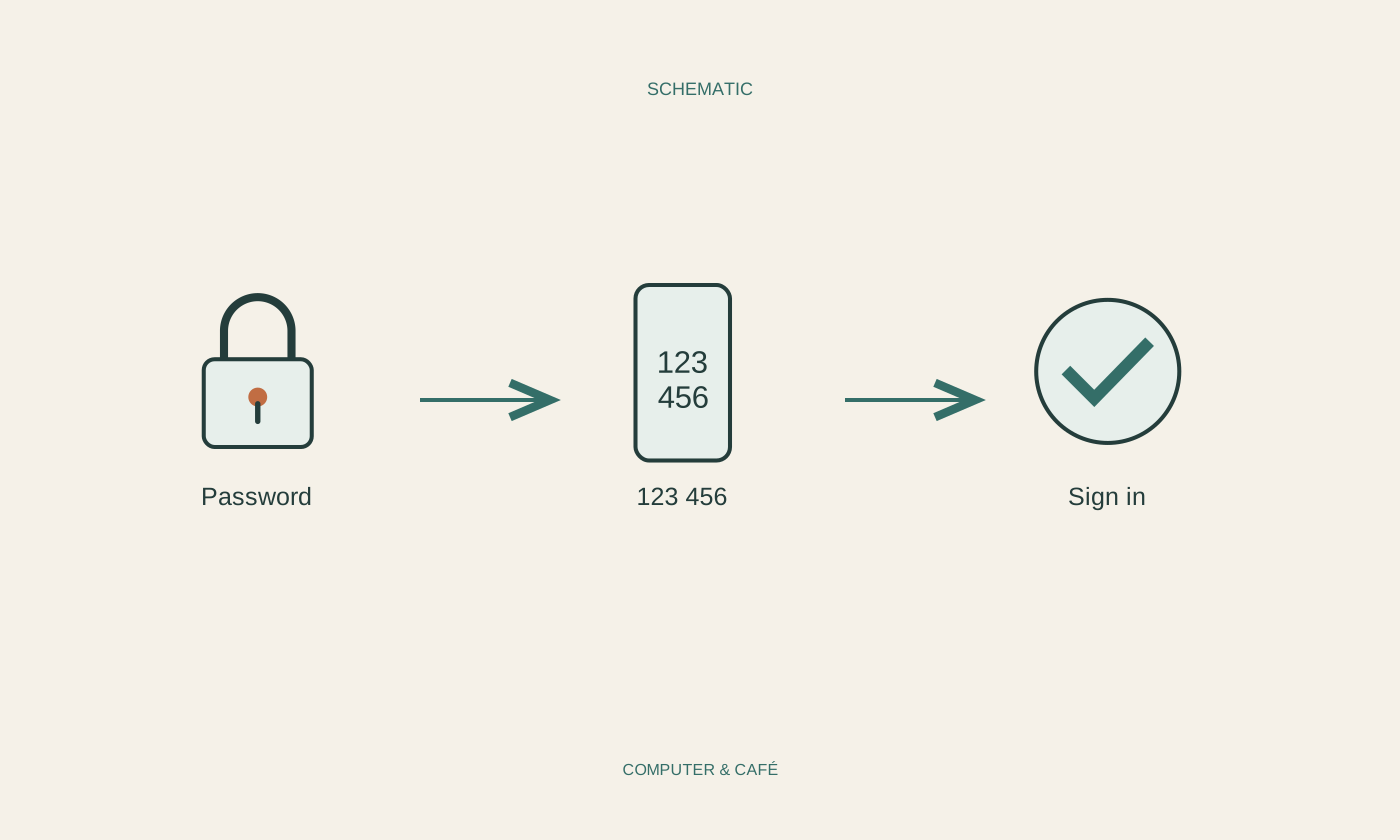
Complete the offered confirmation test before leaving setup. If a code is requested, enter it only into the sign-in process you initiated. Do not approve an unexpected request through habit. If no matching sign-in is taking place, stop and inspect account security through an independent route. An additional factor is not useful when every prompt is accepted without checking its context.
Prepare recovery independently
Check the recovery routes the provider actually supports. These might include protected recovery codes, another suitable factor or a defined support process. Keep essential recovery information separate from the only phone you use each day. A copy stored solely on that phone disappears at the same time as the sign-in method if the phone is lost, damaged or unavailable.
Read how replacement codes work and whether they must be replaced after use. Never hand them to someone who unexpectedly claims to be support. Do not plan around SMS alone: availability and policies can change, and Microsoft is changing these methods for personal accounts. Organisation-managed accounts follow organisational rules. Find out the intended lost-device procedure before an urgent problem occurs.
Test before changing devices
After setup, try signing in through an appropriate additional session without prematurely closing the session that still works. Check that the password, additional verification and account identity all match. Briefly record which method is configured on which device, without exposing secret values in the note. This is especially helpful when several accounts use similar names or the same application.
When a new phone arrives, transfer or add the required methods following the provider’s instructions. Test the replacement before erasing or giving away the old phone. Review recovery routes too, and remove obsolete devices only after successful checks. A short periodic review prevents an old phone number or a device you no longer possess from silently remaining essential to your access plan.
Set up additional verification alongside independent recovery methods and test them before changing devices.