Identify the places that matter
List where Wi-Fi needs to work reliably: a desk, the sofa or a particular room used for calls. Describe the actual difficulty there, such as interruptions or slow page loading. One signal indicator cannot explain everything about performance. Also check whether several devices struggle in the same spot. If only one laptop has problems, router placement is not automatically responsible. This short record gives you a fairer basis for comparison later. You do not need a technical floor plan; a simple sketch showing two or three important locations is enough for an initial investigation.
Choose an open, suitable position
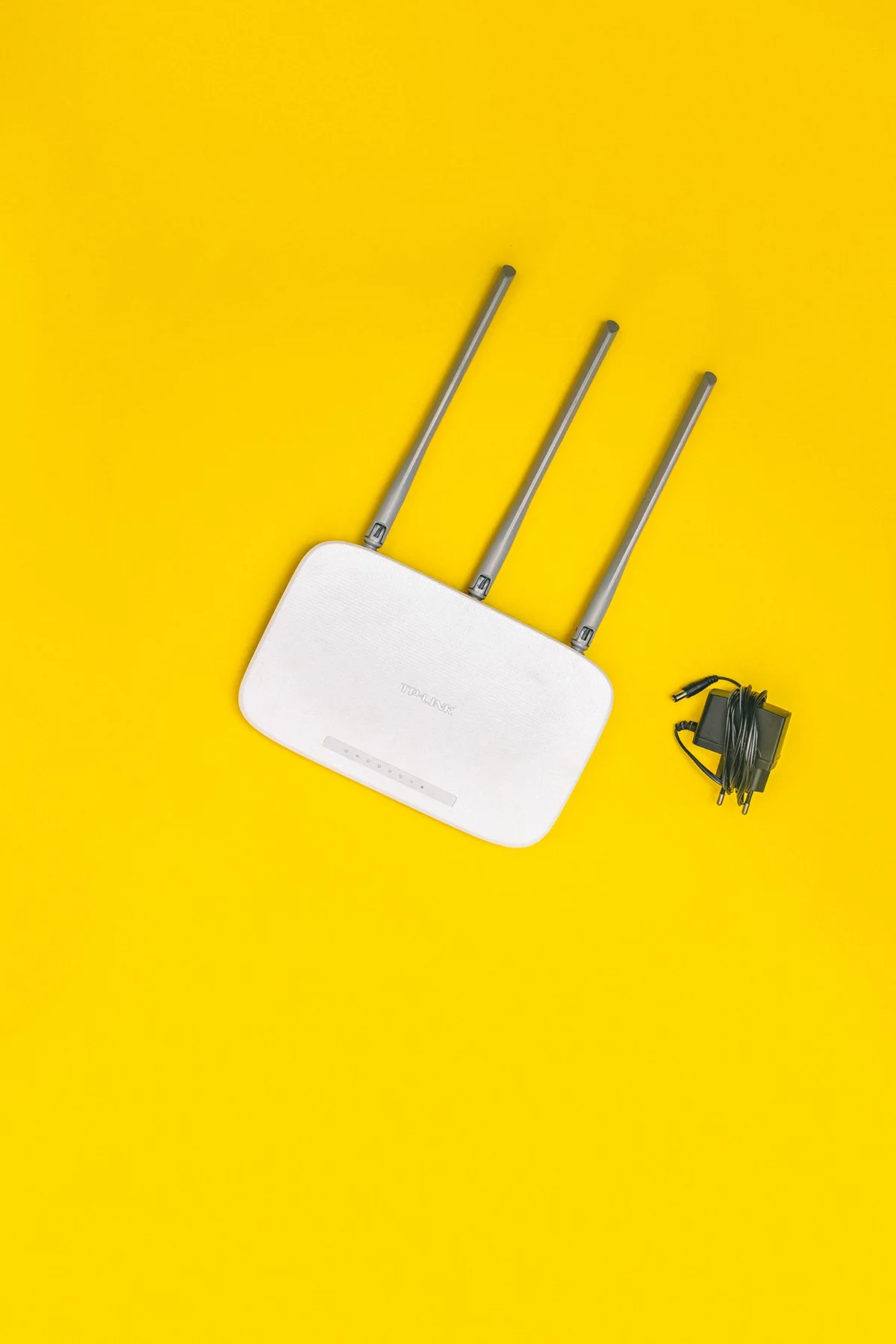
Operate the router according to its manufacturer’s requirements, including ventilation and power supply. A closed cupboard behind many objects is often unhelpful for radio coverage and heat dissipation. Look for a stable, open position sensibly related to the areas you use. Keep it away from liquids, edges and objects that cover it. The available service socket limits how freely it can be moved, however. Do not improvise changes to service wiring or extension leads. Before trying another location, check which cable arrangements and connection conditions the provider or manufacturer explicitly supports for that equipment.
Treat obstacles as clues rather than certainty
Walls, floors, metal surfaces and the surrounding environment can affect a wireless connection. There is no simple distance rule that guarantees success. A small move may help, but the result must be checked at the intended workstation. Keep the router away from obviously shielding enclosures and adjust external antennas only as its instructions describe. Some products have no adjustable external antennas at all. Avoid makeshift foil arrangements or unfamiliar signal boosters. They complicate the investigation and do not replace suitable positioning. Photograph the original arrangement for your own reference so an unsuccessful change can easily be reversed.
Compare one change at a time
Try one alternative position while leaving other settings unchanged. Use the same computer in the same working location and repeat a typical task. Focus on reliability rather than a single measurement. Time of day, other users and background transfers can influence results, so make more than one brief attempt before deciding. If coverage improves in one room but worsens in another, record both effects. The best location is a workable compromise for your real needs, not necessarily the spot that produces the strongest reading when standing immediately beside the router with a device.
Address remaining gaps deliberately
If sensible placement is insufficient, consider how the poorly served area connects to the rest of the home. A cable to a fixed desk or a suitably planned additional wireless solution may help. Do not buy another device without understanding the arrangement. Check compatibility, connection routes and the possibility of a reliable link between network components. Adding equipment at an already poorly connected location does not solve every cause. Prepare the model details, current positions and observed difficulties before speaking to the provider. The next step can then address a specific problem instead of merely increasing the number of wireless boxes.
Compare suitable open positions using the same task at the locations that really matter.