Start with the search you will make later
Think about what you will remember several months from now. For household documents, the purpose, provider and date may help; for family photographs, the event and year may matter more. A name such as 2026-04-18_Bicycle_Receipt explains more than Document_new. Include a date only when its meaning is clear, such as purchase date or document date. Do not begin by renaming your entire collection. Choose a small folder of familiar files and try a straightforward rule there. The most useful system is not the most elaborate one, but the one you will continue using when saving the next file.
Give each folder a clear purpose
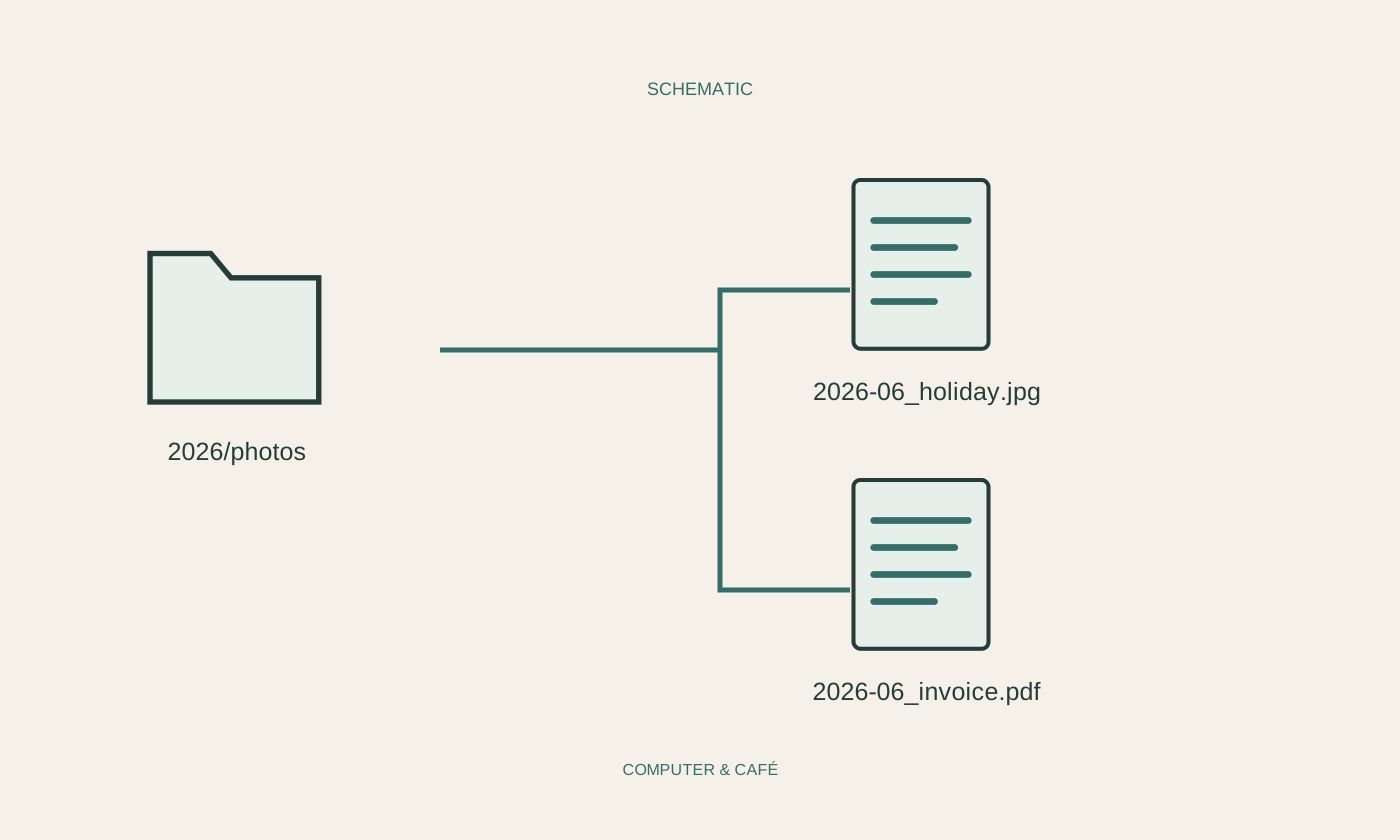
A folder should contain an understandable group. Household records might fit under Home, Vehicles or Agreements, while another person may need a completely different arrangement. Avoid many layers if you will struggle to remember which contains a file. A year folder can be useful, but it need not appear between every topic. Test the structure with three existing documents and check that each has an obvious destination. If two locations seem equally reasonable, revise the arrangement or record a simple decision. Copying files into several folders to compensate for an unclear system usually introduces confusing duplicates.
Keep the extension intact
The final part of a filename may be an extension such as .pdf or .jpg. It helps applications identify how to handle the file. When renaming, change the descriptive part and leave the extension alone unless you are deliberately handling a technically justified exception. A photograph does not become a PDF merely because its extension is changed. Use a suitable application’s export or save function to convert formats. Also avoid characters your operating system prohibits and excessively long names. A concise, readable description is easier to manage on smaller screens and when sharing files with someone else.
Distinguish drafts from finished results
For documents revised repeatedly, choose a simple version rule. A sequence number or clearly understood revision date is often more useful than new, newer and final_new. Preserve significant intermediate versions deliberately without creating an overwhelming collection for every tiny edit. People collaborating on a document should share the same understanding of draft and approved versions. If an application offers version history, check its scope and retention; it does not automatically replace an independent backup. Mark the version intended for distribution clearly enough that you will not attach an older draft simply because several files have nearly identical names.
Maintain the system in small portions
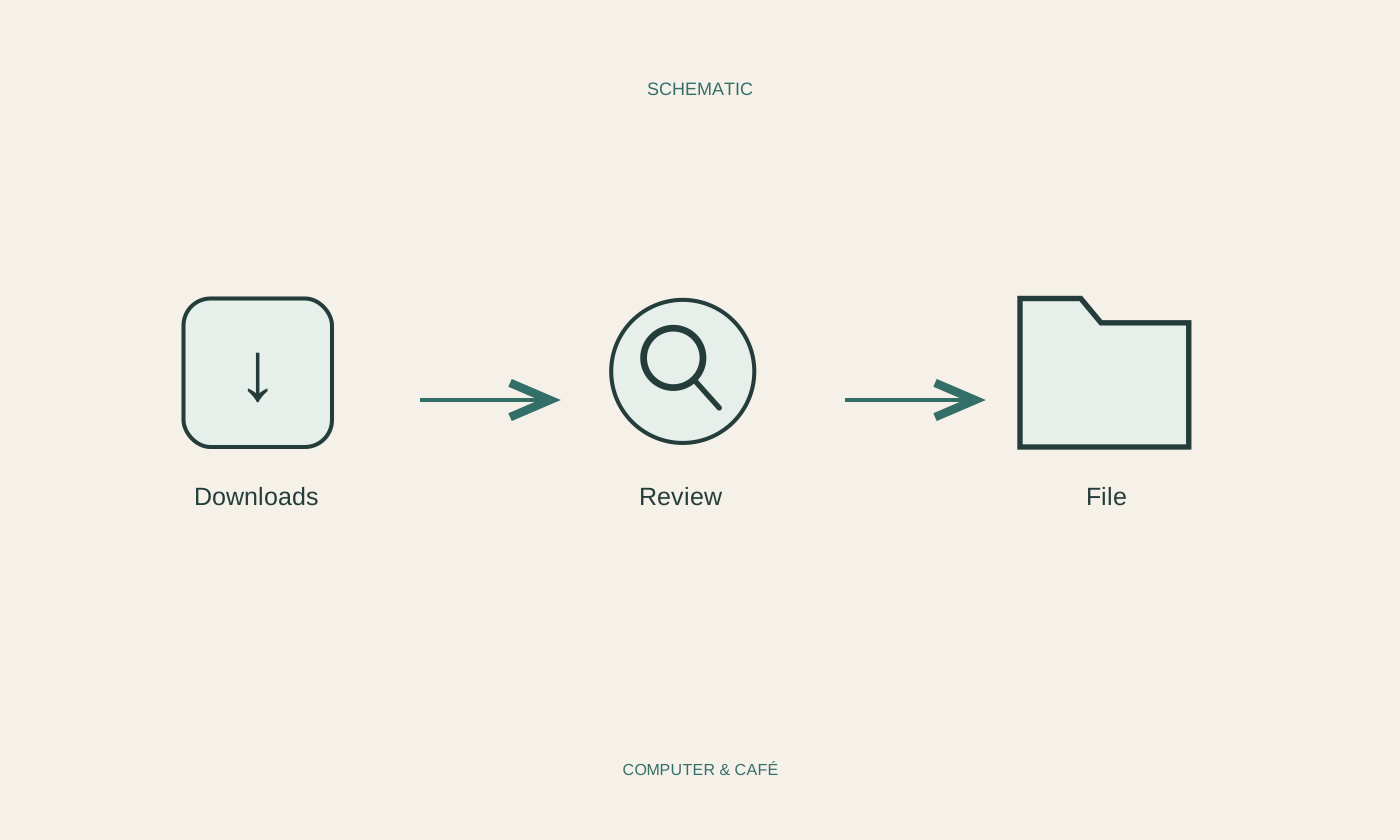
Finish your experiment by organising a limited selection and opening a few renamed files. Check whether shortcuts or applications depend on fixed paths before moving more folders. Application data in particular should not be rearranged as casually as ordinary documents. A regular short filing session for new material is easier than occasional enormous clean-ups. Keep a backup before extensive changes. When you cannot remember a filename, a distinctive word, file type and approximate date can still help you search. Clear names support that search; they do not require you to remember the exact position of every file you own.
Name files by content and purpose, keep folders manageable and preserve extensions.