Match the card to the reader
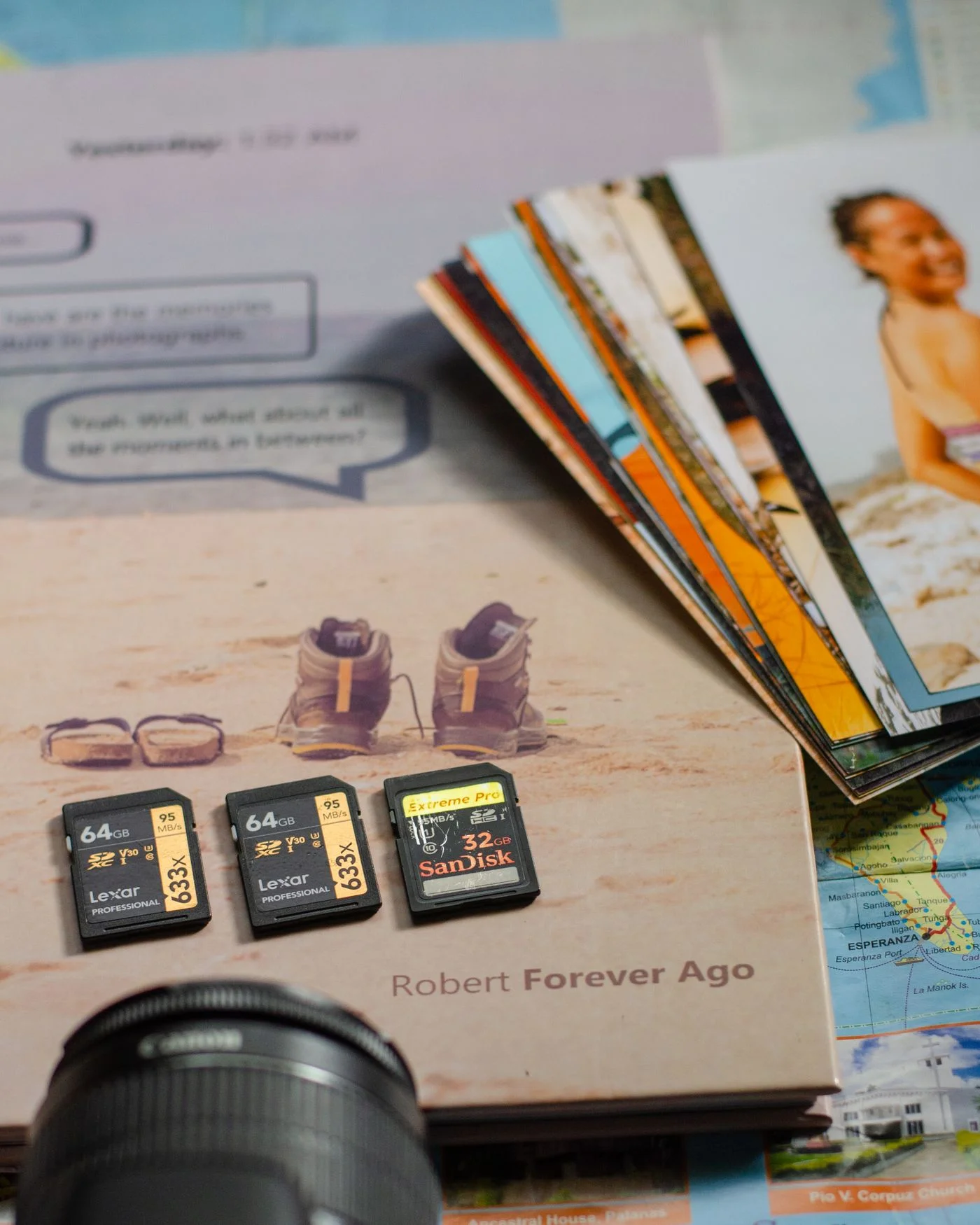
Turn off the camera according to its instructions before removing the memory card. Check which card type and variant the reader supports. Physical fit does not automatically establish full compatibility in every combination. A smaller card inside an adapter requires both pieces to be seated correctly. Do not force the card, and avoid touching its contacts. Put it on a clean, dry surface while it is out of the equipment. If you have several cards, handle one first and identify where it came from so photographs from different days or cameras do not become confused.
Create the destination before copying
Make a clearly named folder on the computer, perhaps using the date and occasion. Open the card in the file manager or use your photo application’s intended import function. Check whether that function copies, moves or deletes files after import. Leave automatic deletion disabled for the initial transfer. A camera may create several folders and more than one file type. Raw photographs or videos can matter alongside the images immediately visible in a preview. Choose the transfer scope deliberately instead of assuming that the first folder displayed contains everything you need from the card.
Let the transfer finish undisturbed
Start copying and wait until the operation has completed. Keep the camera, reader and cable connected without moving them, and avoid an unnecessary transition into sleep mode. Large videos can take considerably longer than a handful of photographs. If an error appears, record its wording and leave the card unchanged. Repeated deletion, formatting or indiscriminate repair attempts are unsuitable first responses while the card holds the only copy. If making an ordinary second copying attempt, use a clearly understood destination so files already transferred and files still missing remain distinguishable afterwards.
Check copies from different parts of the collection
Open photographs from the destination folder, not from the card still connected to the computer. Inspect images from the beginning, middle and end, including different formats. Briefly play a transferred video if the collection contains videos. Compare the expected file count and investigate discrepancies, without treating a count alone as complete verification. A thumbnail preview cannot reveal every possible file problem. Then create an additional backup in a suitable separate destination. Only after checking both transfer and backup should you consider clearing the card for new photographs, especially when the pictures cannot be taken again.
Reuse the card deliberately
Eject the card using the operating system’s intended function and wait for confirmation before removing it. Store it safely or put it back in the camera according to its instructions. For later formatting, follow the camera maker’s recommendations and confirm you have selected the correct card. Formatting is a deliberate deletion step, not something to accept casually while distracted. Keep the computer’s folder structure simple at first. Sorting by people, events or favourites can happen afterwards, with the complete originals and their backup preserved. This separates safe transfer from editorial decisions about which photographs you want to display.
Copy first, open samples from the destination and create a backup before clearing the card.