Choose a batch with clear boundaries
Start with one kind of paperwork, such as equipment instructions or invoices from a completed month. Do not discard loose slips too quickly: a small receipt may belong with another page or the back of a document. Set aside one area for papers awaiting scanning and another for items whose digital copies have been checked. This makes interruptions easier to manage.
Decide what the scan needs to accomplish. A readable PDF may be sufficient for everyday reference. Paper may still matter where legal or contractual requirements apply. Digitising a document does not establish the applicable retention rules. Avoid destroying an entire batch immediately after scanning simply because files have appeared on your screen.
Prioritise legibility over speed
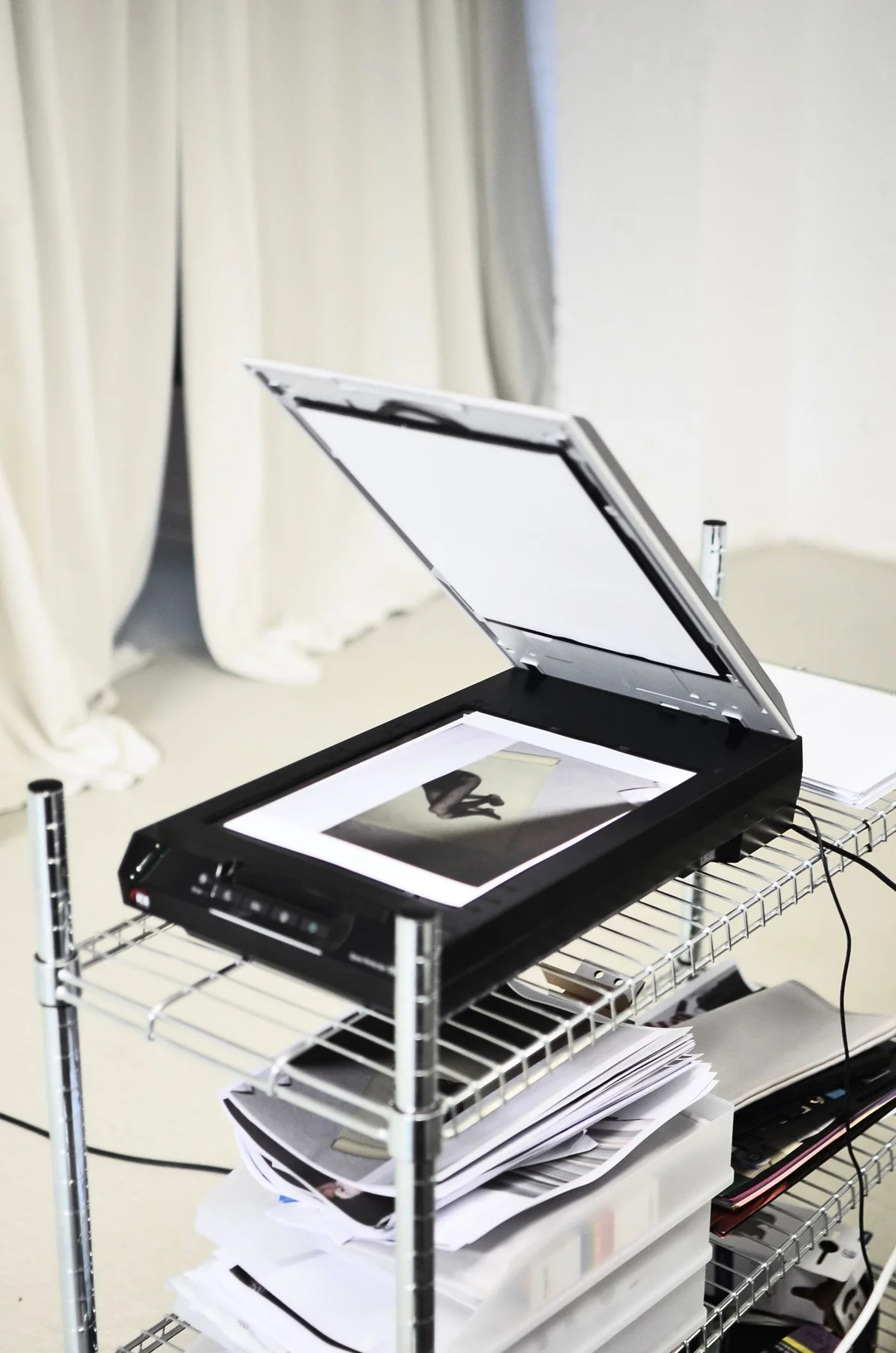
Position the page straight and leave its edges visible. Follow the exact model’s instructions for a flatbed scanner. When photographing a document, use even lighting, a steady position and a view as parallel to the paper as possible. Check that fingers, shadows and curled corners do not hide information. A rushed image can look acceptable until you need one small detail.
Open a single test capture first. Small amounts, footnotes, stamps and faint printing should remain readable. Keep colour when coloured markings convey meaning. A larger file is not automatically a clearer file. Check page order and reverse sides in multipage documents. Text recognition can aid searching, but may misread characters and cannot replace inspection of the page image.
Name files for the way you will search
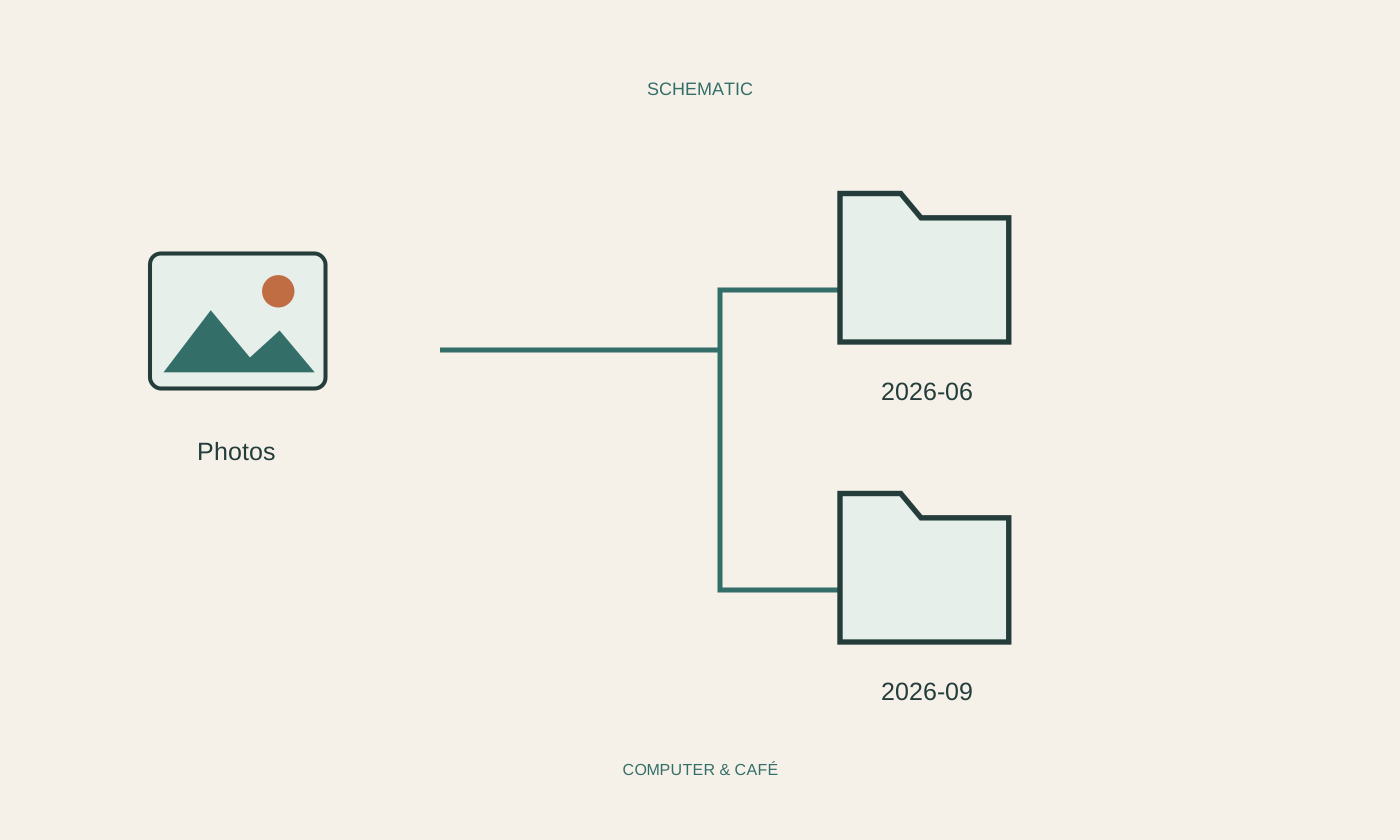
Use a concise descriptive name such as 2026-10-05_heating_service.pdf. Think about the question that will lead you back to the document: a date, appliance, supplier or purpose. Avoid a long list of Scan001-style names without another meaningful arrangement. A folder for each understandable area is usually easier to maintain than a deeply nested system requiring several decisions for every paper.
Combine pages belonging to one document and check their number after saving. Keep different versions clearly distinguishable. If a document contains confidential information, choose appropriately protected storage and review existing sharing settings. An inconspicuous folder or an ordinary filename does not prevent other people using the same account from opening the contents. Protection depends on actual access controls.
Close the loop before clearing the desk
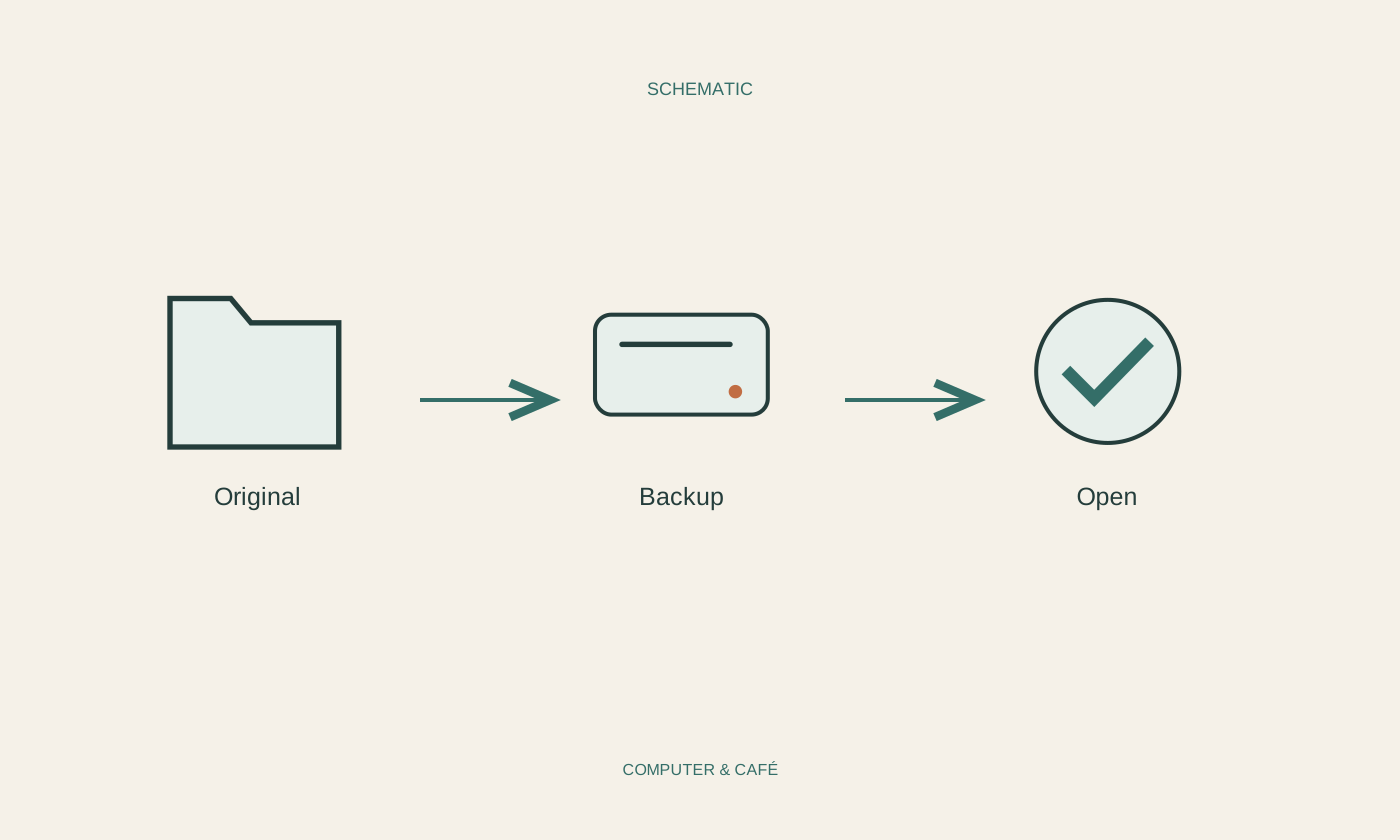
Open each completed file from its final folder, rather than relying only on the scanning application’s preview. Go through every page and compare count, orientation and content with the paper. If a page is missing, the small original batch is still within reach. Mark papers as processed only after this check, so that the physical piles reflect the actual state of the work.
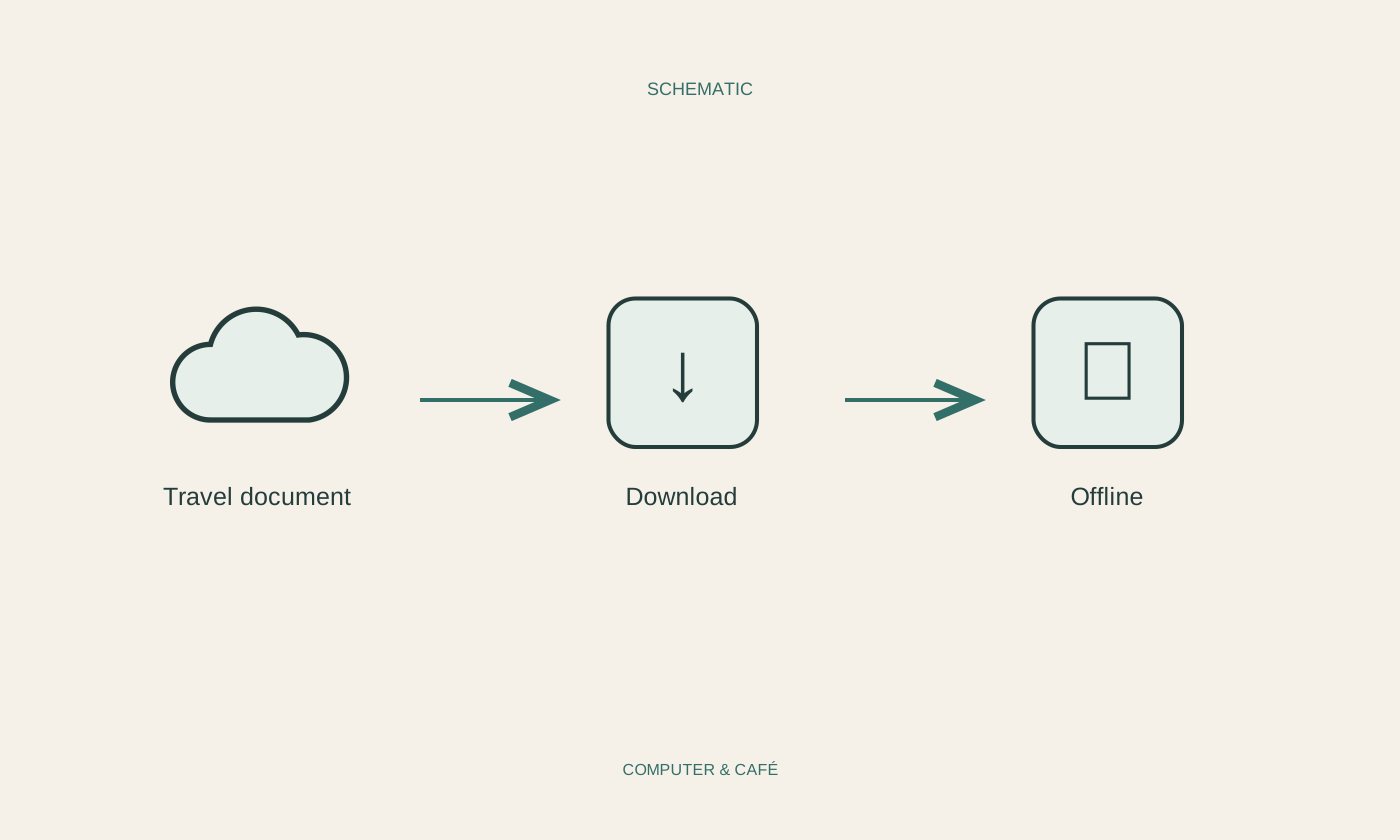
Create an additional backup containing the real PDF files. Test at least one recovery or independent opening from it. A cloud symbol may represent an online-only entry. Clear the workspace and note the next limited batch. A repeatable session covering a few documents is more useful over time than one enormous effort whose quality remains uncertain.
Check every page and keep originals whose continuing importance has not been established.