Identify the exact device
Record the full model name before looking for a manual. Similar product names can refer to different connections, specifications or generations. Check the device label, original packaging or the designated system-information view. Do not record more personal identifiers than your private equipment list actually needs. A product family name alone may be insufficient to locate the right instructions.
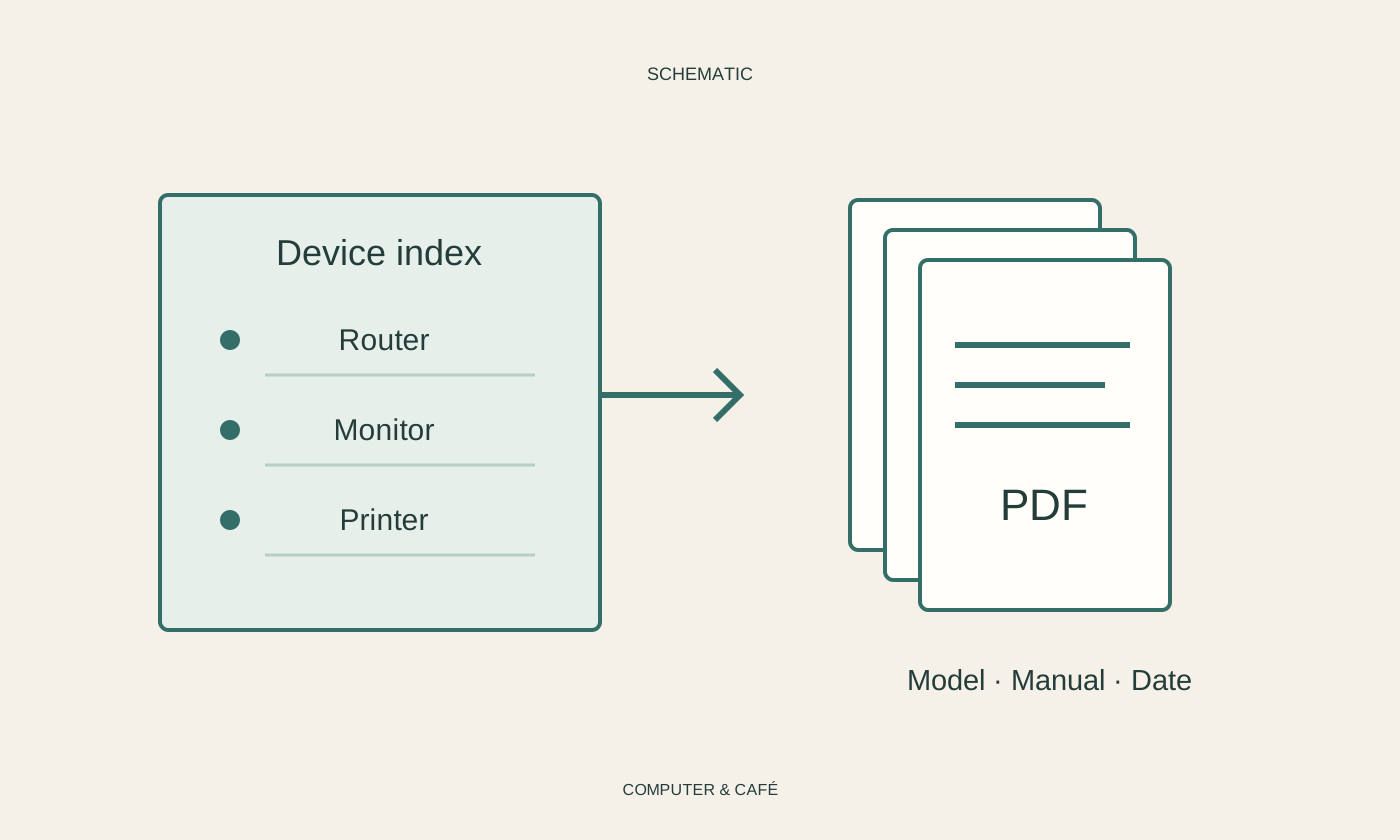
Make a short inventory covering items such as the laptop, monitor, printer and router. Add the exact accessory variant when it affects use. A list containing only descriptions such as white printer will not help much during a later search. If a label is difficult to reach, photograph it for private reference without accidentally publishing serial numbers or sign-in details.
Prefer the official source
Search the manufacturer’s support area using the model name. Check the language, edition and any relevant operating-system version. Instructions for a similar device may explain useful terminology, but should not be treated as the correct procedure without checking. Cleaning, power and maintenance instructions are especially dependent on the actual model rather than the appearance of the equipment.
Download an offered PDF directly from the official source. Do not confuse the manual with extra software promoted by an unrelated download site. An ordinary PDF does not require an unfamiliar helper program from that site. If the manufacturer provides only a webpage, save its address under a descriptive name and note that the entry requires an internet connection.
Build a shallow filing arrangement
Use one central folder with a few subfolders organised by device or purpose. A filename such as Manufacturer_Model_Manual_EN.pdf makes the language and identity clear. Add a different suffix for a quick-start sheet. This avoids opening several almost identically named files just to find the complete instructions when an ordinary task has already been interrupted.
Add a short personal note pointing to useful sections, such as clearing a paper jam or selecting a monitor input. Do not copy unfamiliar technical values without associating them with the precise model. Store purchase receipts and confidential sign-in information according to their different protection needs. Easy access to a manual does not mean every document connected with that device should share the same openly accessible location.
Try the collection on a real question
Open several saved manuals and search for an everyday term. Check whether the PDF supports text searching or contains only scanned page images. See whether diagrams and connector labels remain readable on the screen you normally use. A file that exists but is damaged or illegible will not solve the problem when you eventually need its contents.
Include the collection in your backup and update it when equipment changes. Do not casually remove older editions if the previous device is still used. Check the official support area again after significant changes. A bookmark preserves an address, not the contents of a webpage that may later change. Deliberately distinguish locally stored documents from entries that merely point to an external source.
Keep exact model details with matching official manuals, and distinguish links from offline files.