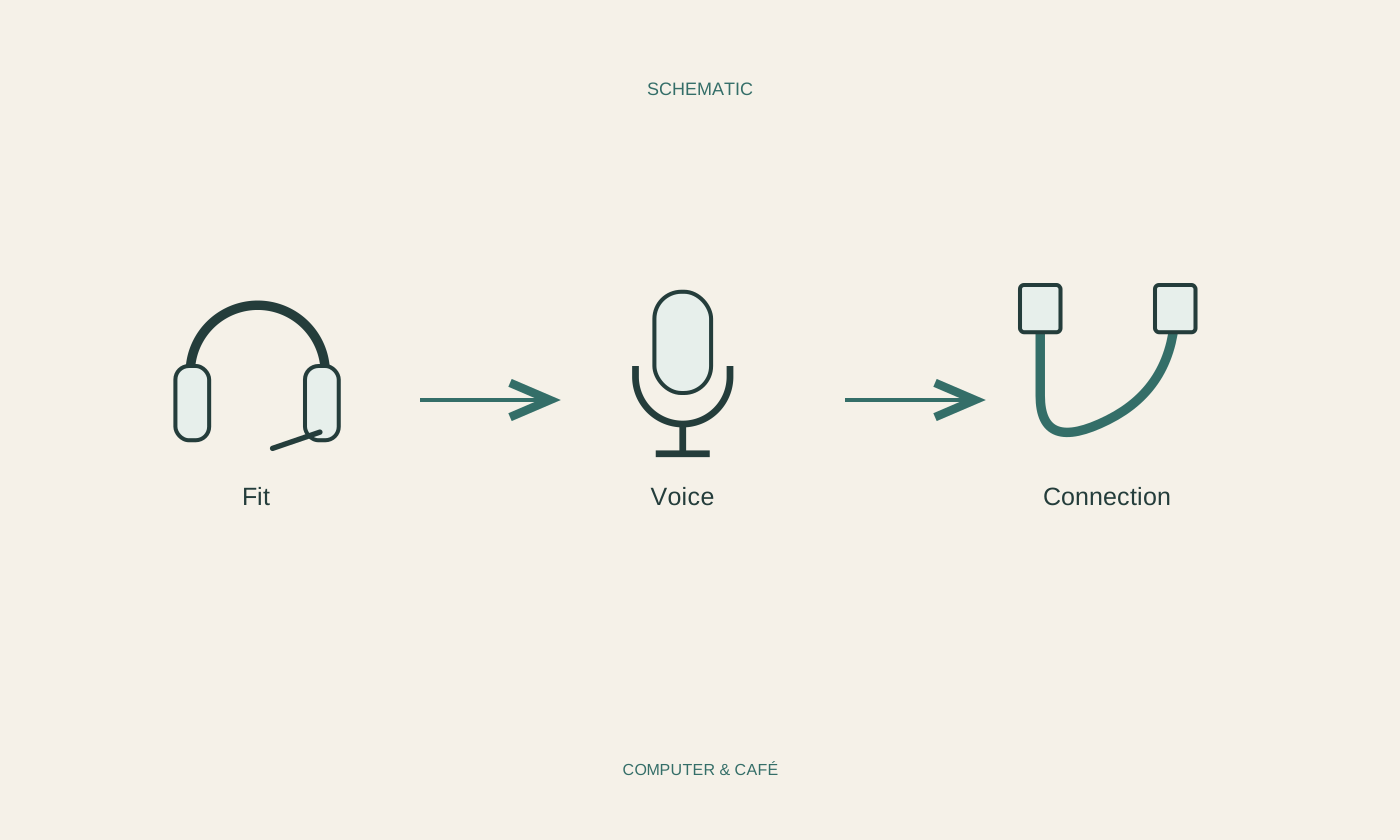
Describe the calling situation
Consider where and how you will mainly use the headset. A quiet room, a shared workspace and changing locations create different practical requirements. Note whether you mostly listen, speak regularly or need to stand up during calls. Those activities lead to useful questions about the cable, controls and microphone rather than a search for the longest possible feature list.
Check the devices the headset must work with. A computer and phone may offer different connection options. If you want to switch between devices, read how the particular model supports that task. Do not assume a wireless connection automatically makes every switch easier. For occasional calls, a simple connection you understand may suit you better than extra functions whose behaviour remains unclear.
Check connection and application selection
Compare the required connection with your computer’s ports and the manufacturer’s specifications. An adapter must match the intended function, not just the plug shape. A headphone output alone does not establish that it can also receive microphone input. Wireless models require a plan for pairing and power as well as an understanding of the connection itself.
After connecting, explicitly select microphone and sound output in the calling application. The computer may still use another microphone even though you already hear sound through the headset. Test both directions separately and check for an additional mute control on the device. Interpret status lights using the instructions; a colour does not reliably mean the same thing across different models or manufacturers.
Listen to your voice rather than the marketing
Record a short, non-confidential speech sample using an available test function. Speak at your normal level and listen for intelligibility. Check whether the microphone picks up breathing or contact with clothing. Position it according to the manufacturer’s guidance and change only one setting initially. This provides a clearer comparison than adjusting placement, gain and software options all at once.
Repeat the test at the actual workspace. Keyboard sounds, room noise and nearby people may affect it differently from a quiet demonstration. Do not interpret advertised noise reduction as a guarantee that every surrounding sound disappears. The relevant question is whether another person can understand you clearly enough in your setting. Someone else can help assess this without recording a confidential conversation.
Try fit and everyday controls
Where possible, wear the headset through a realistic stretch of conversation. Notice slipping, awkward contact with glasses or a continual need to reposition it. Choose an appropriate volume and follow usage guidance. This practical fit test does not replace individual advice for health concerns; comfort and suitability should be considered in your own circumstances rather than assumed from a product description.
Check whether you can operate mute and volume without searching. Wireless equipment needs a charging routine, while wired equipment needs adequate movement room without creating a trip hazard. Test reconnection after a break before relying on it for an important call. A suitable headset makes ordinary conversation manageable. It need not offer every possible function, only the ones you need in a reliable, understandable way.
Test your own voice and the fit using your actual calling application and workspace.