Start with the desk rather than the product photo
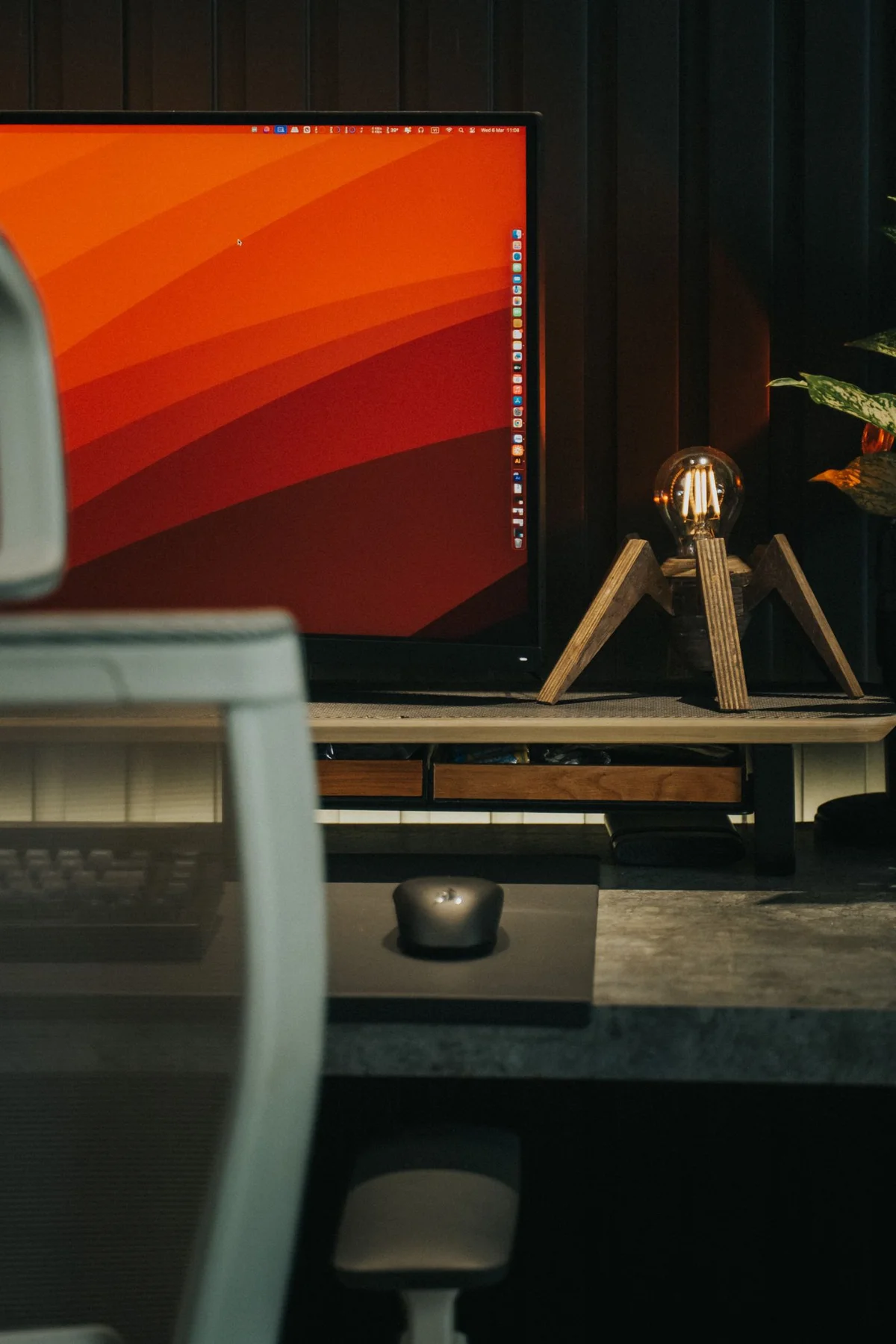
Measure the available space, including the depth needed by the stand. Allow for cables behind the monitor, any windowsill and objects that must remain accessible on the desk. A slim screen can have a surprisingly deep base. The diagonal also does not directly describe the device’s width when different aspect ratios are involved, so one headline size cannot answer every space question.
Mark out the intended footprint with paper or a simple outline. From your usual position, check whether the screen would obscure necessary papers or other objects. For a specific model, use its complete dimension drawing. Product photographs are not a reliable size test because perspective and the pictured desk can change the apparent proportions substantially.
Compare using your own material
Consider whether you mainly read individual documents, keep two windows side by side or work across larger tables. Usable area and readable presentation matter together for these tasks. A larger screen displaying extremely small text can miss your needs just as much as a small screen with insufficient room for the windows you actually need to keep visible.
Where possible, try a comparable arrangement with a familiar file. Test the operating system’s supported scaling and text options, remembering that applications may respond differently. Do not choose solely because an advertising image looks unusually sharp. What matters is whether you can recognise and work with your content at the intended distance without continually enlarging, scrolling or moving it.
Check the complete connection
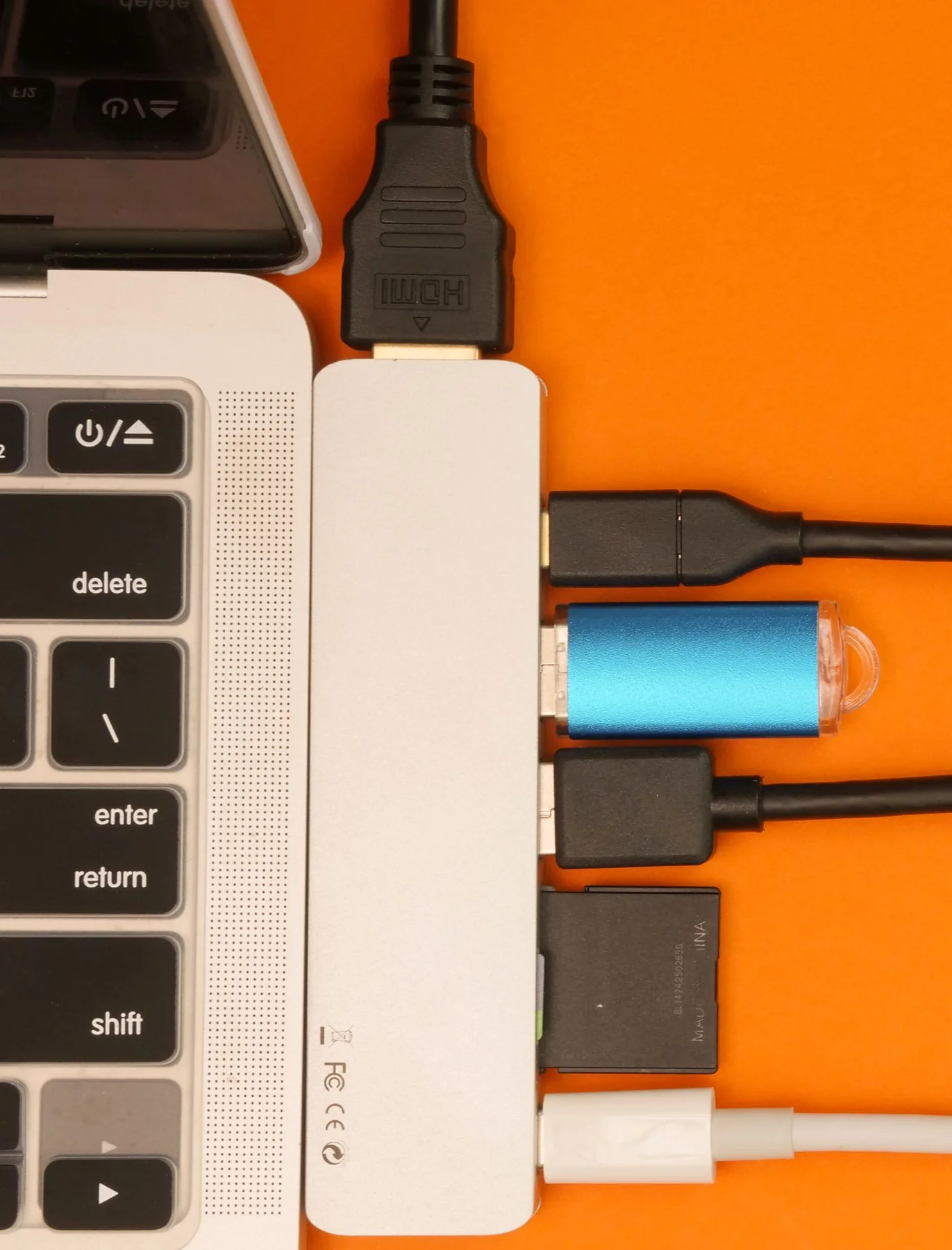
List the computer’s outputs and the monitor’s inputs. Read the specifications for the resolution and refresh rate supported through the connection you actually plan to use. A physically matching plug does not guarantee support for every desired video signal. With USB-C, the capabilities of the computer, cable and any dock must work together rather than merely share the same connector shape.
Consider whether another display is already connected. The number of supported screens and their operating modes depend on the particular system. Avoid ordering a monitor first and then assembling a chain of unfamiliar adapters to make it work. A short list of computer, cable, optional dock and display makes the connection understandable and supports a precise question to the relevant manufacturer.
Include the stand and adjustments
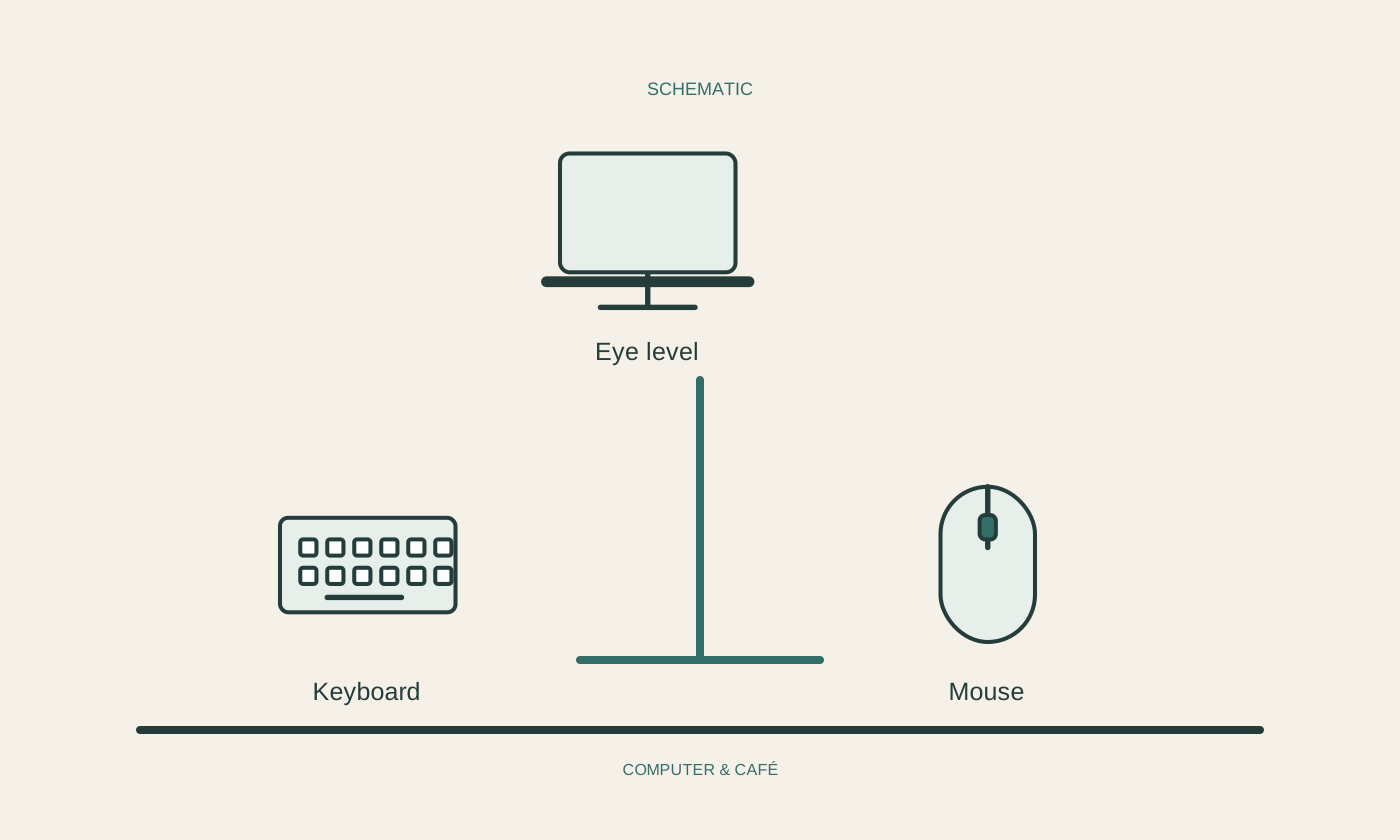
Check which height, tilt or rotation adjustments the specific model provides and whether they are useful in your space. A separate mount requires compatible attachment points and adequate capacity according to the manufacturers’ specifications. Do not assume every desk edge suits every clamp. The support arrangement is part of the purchase decision, not an invisible detail beneath the display.
Once positioned, complete an ordinary task and watch for reflections, cable tension and access to controls. Adjust the layout before committing to final cable routing. Keep packaging and documentation for as long as they are useful to your decision. The appropriate size emerges from the combination of room, content and connection; a single diagonal measurement cannot replace that practical comparison.
Compare actual dimensions and readable working content, rather than the advertised diagonal alone.