Recognise the final part of the name
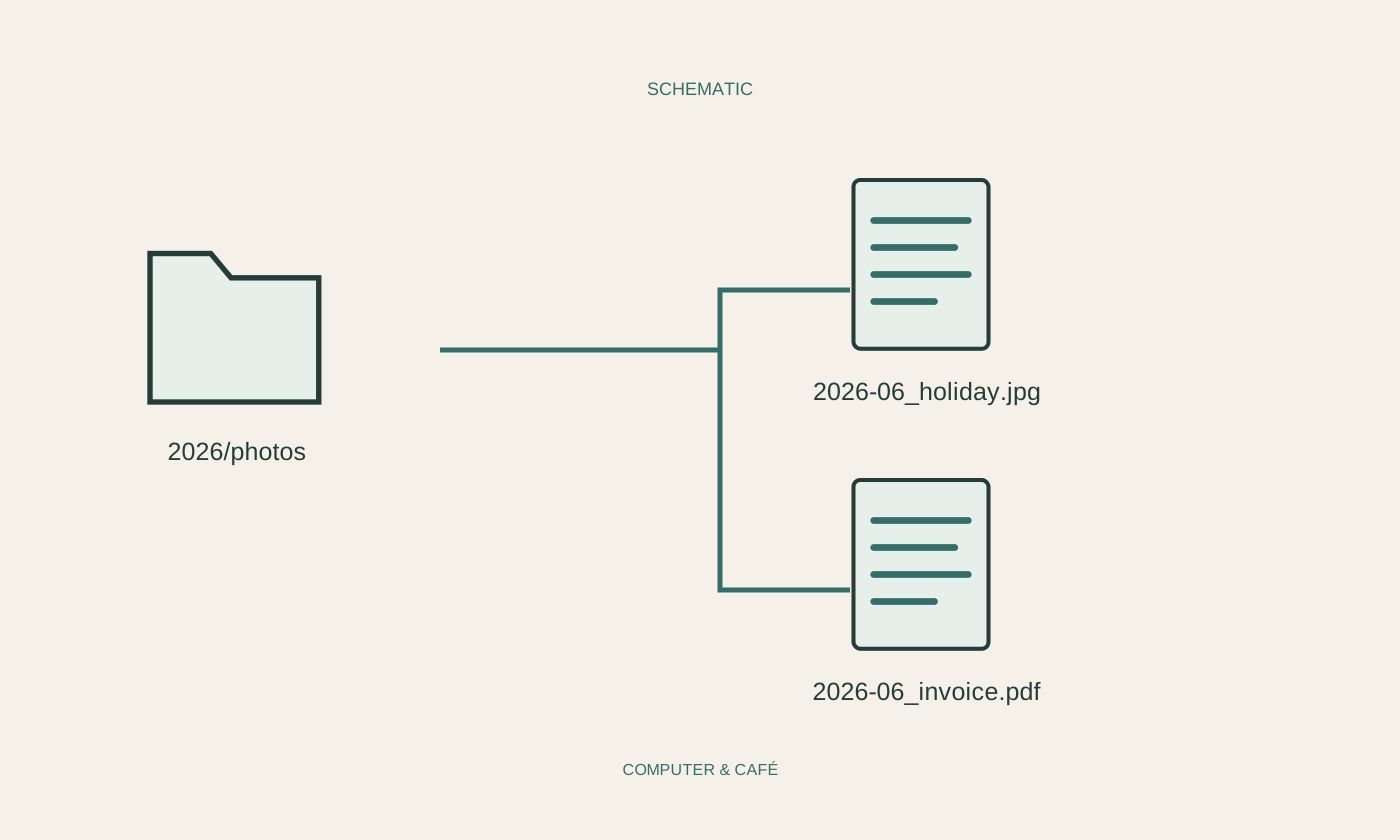
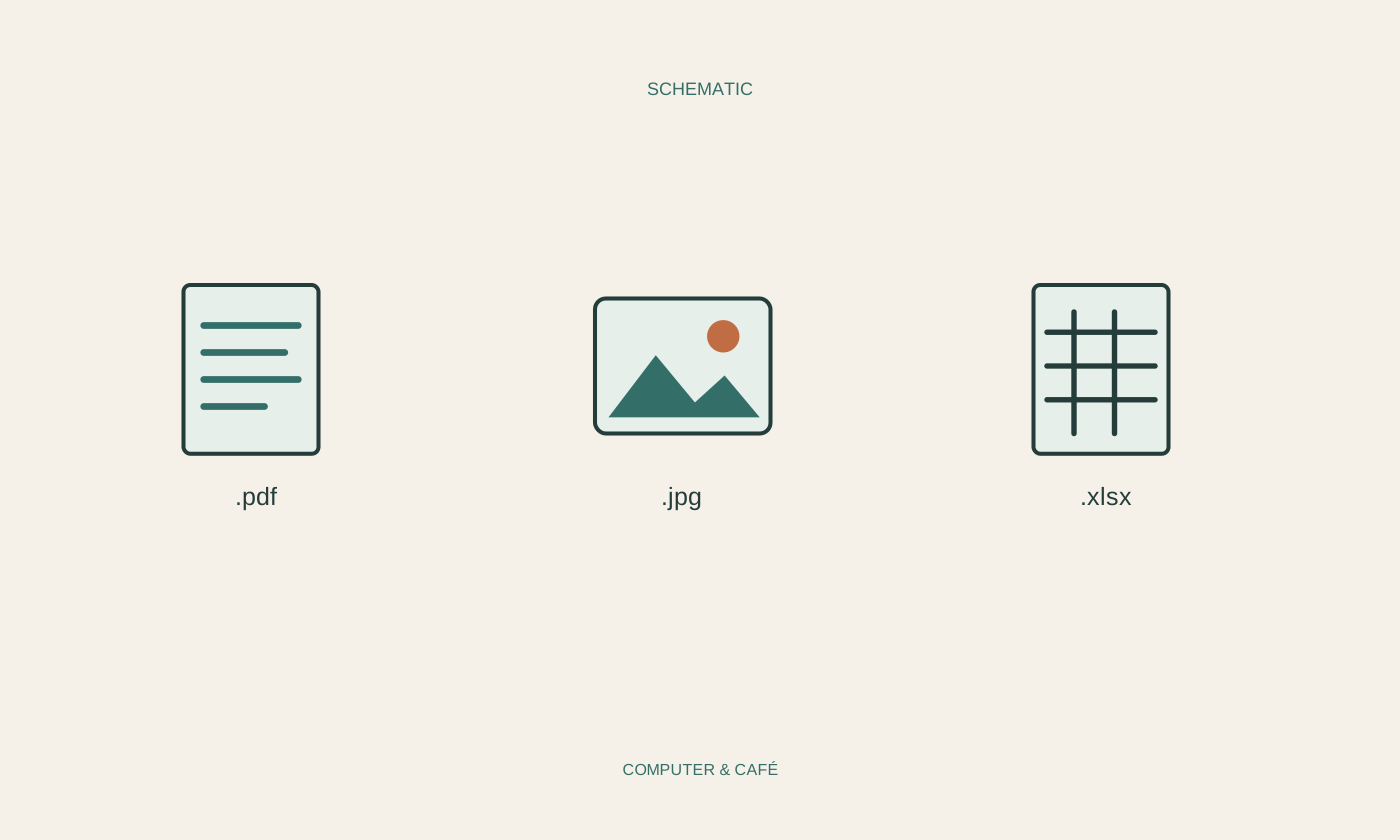
A filename may combine a description and an extension, as in Travel-documents.pdf. The extension normally follows the last dot. Some operating systems hide familiar extensions, leaving only the descriptive name visible. Enable their display through the file manager’s current settings if needed; the exact route depends on the system. Examine a familiar file to see how its full name appears. Do not confuse the icon beside it with the format itself. The icon may reflect the application currently assigned to open that type of file, and it can change after installing different software.
Separate format from application
A PDF can often be displayed by several programs, and a photograph can be opened by different applications too. The format describes the kind of stored data, while the default application determines what starts when you double-click. A file opening in an unexpected program is therefore not necessarily damaged. For a familiar, trusted document, try the option to open it with another suitable application. Change the permanent association only after understanding its effect. That choice may affect other files of the same type and should not merely conceal one unsuccessful attempt to open a particular document.
Renaming does not convert the contents
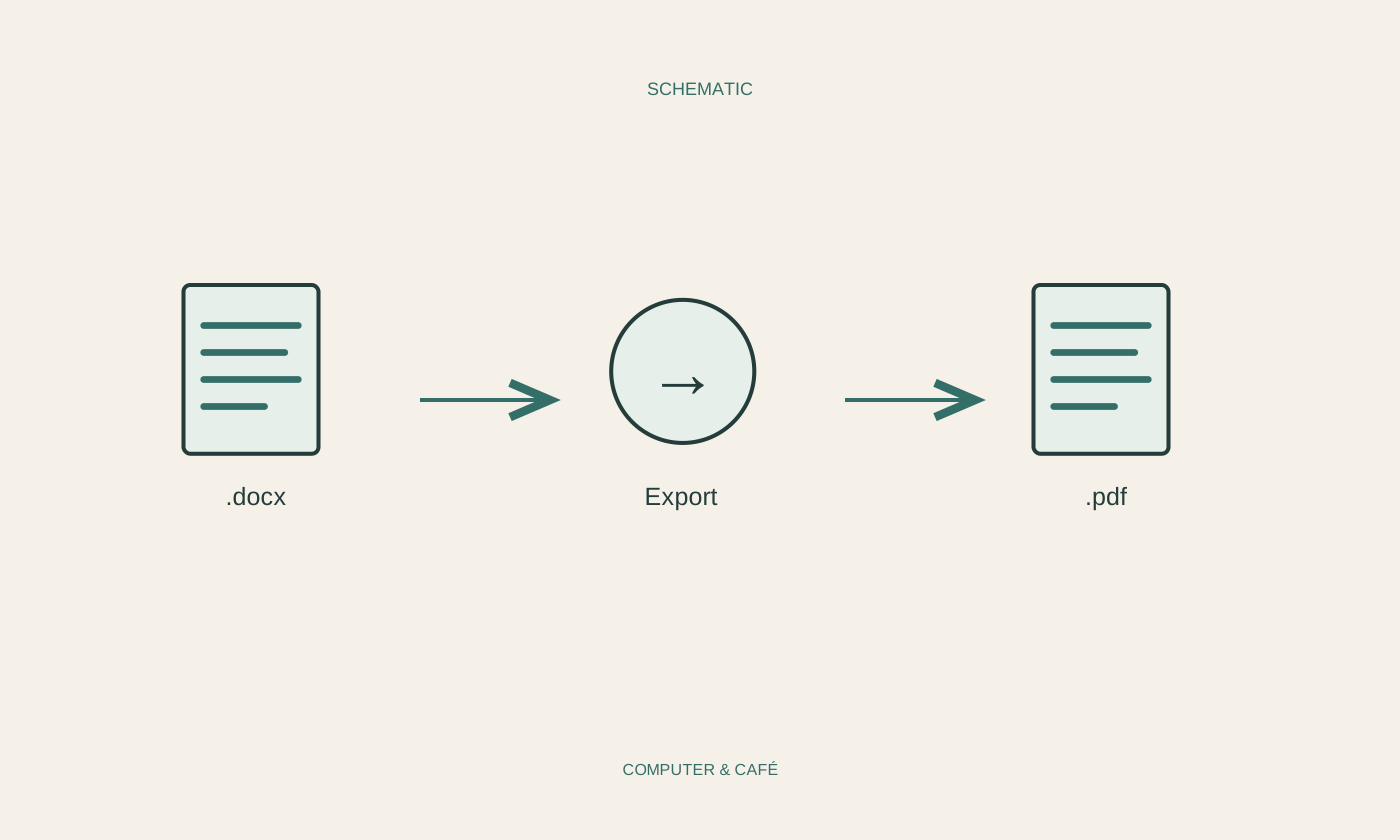
Replacing .jpg with .pdf initially changes only the filename. It does not turn the image data into a PDF document. An application may become confused or refuse to open the result. Keep the existing extension when performing ordinary renaming. If another format is required, open the file in a suitable program and use Export or Save As. Preserve the original because conversion can alter features, quality or future editing options. Afterwards, inspect the resulting file in an appropriate viewer. The new name alone does not demonstrate that the conversion produced the result you intended to send.
Look closely at unexpected attachments
A filename can be designed to resemble a familiar document. Read the complete displayed name and compare it with what you actually expected. Several dots in a name are not automatically suspicious, but the first familiar-looking part is not enough to identify the file. Even common document formats can contain unwanted material. Do not open an unexpected attachment simply because its icon looks familiar. If the message appears important, verify it through an independently known contact route. Extensions provide useful orientation, but they do not replace checking the sender, circumstances and source before deciding whether to open something.
Build a small personal reference
Record the few formats you regularly need and what you use them for: perhaps PDF for distribution, an editable document format for drafts and an image format for photographs. Include a suitable application actually available on your device. For an unfamiliar file, start with the documentation of the program or service that created it. Avoid installing arbitrary utilities promising to open every format. Ask the sender for a common alternative where appropriate. This keeps the reference manageable and connected to your real tasks instead of turning it into a collection of technical abbreviations that are difficult to remember.
Preserve extensions when renaming and use export functions for genuine format changes.