Identify where the contacts live
Open contact management and check which accounts supply the displayed entries. A phone can combine contacts from a personal account, a work account and local storage in one view. That combined display does not mean every entry is backed up in the same place. Record the source and approximate size of each collection you need to preserve.
Distinguish saved contacts from suggestions generated from previous messages. An address that appears automatically while typing may not exist as a complete contact entry. Inspect several important people, including their phone numbers, email addresses and any other necessary fields. Organisation-managed directories have separate rules; do not export them into a personal collection without permission. Start with records you are entitled to manage.
Choose the export format deliberately
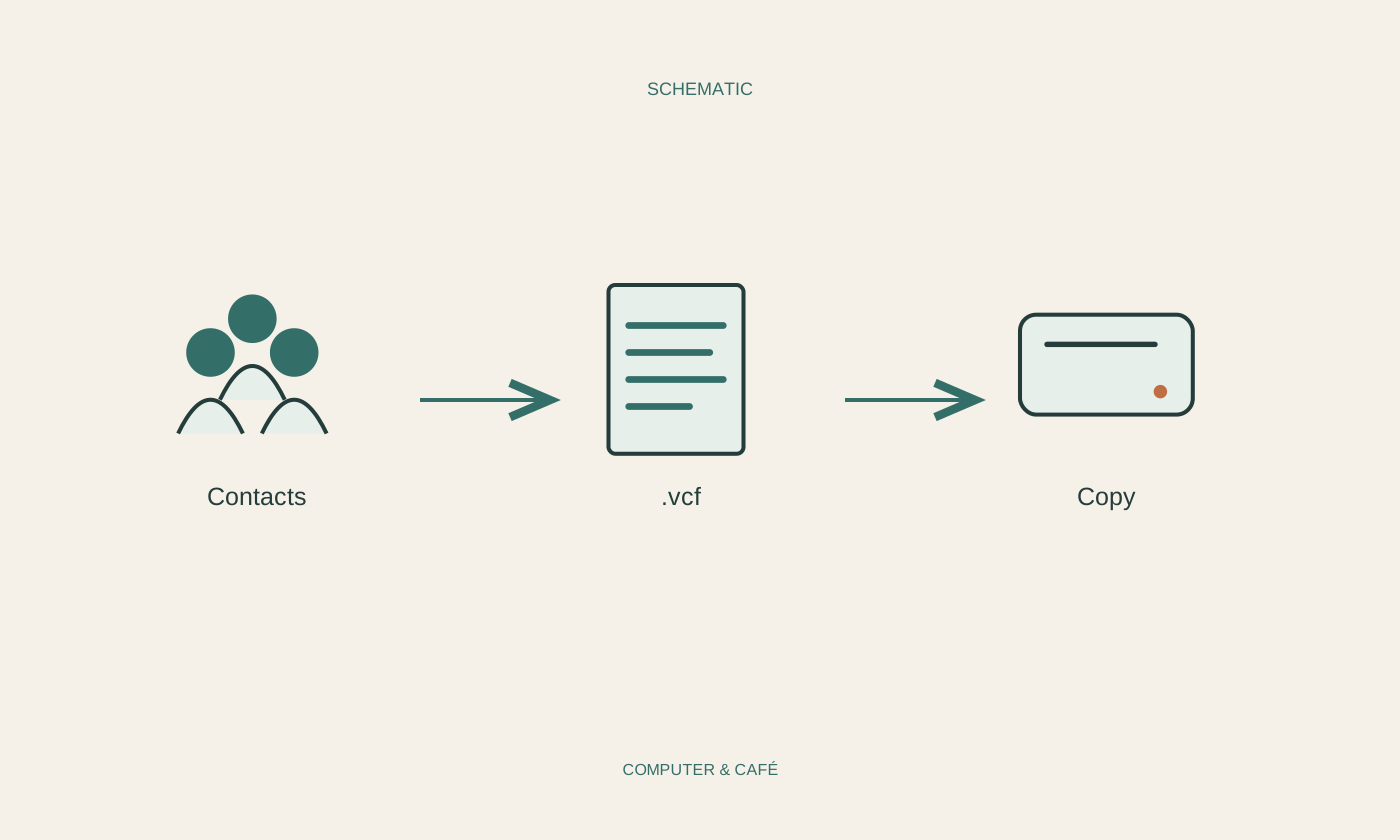
Use the contact application’s official export function and read the selected scope. Some operations export only highlighted entries or one section of the collection. Formats such as vCard and CSV are common, but the fields preserved depend on both the application and the format. Save the result with a date and an unambiguous description of its source.
Protect the exported file. Telephone numbers, addresses and personal notes concern other people as well as you. An export is not automatically encrypted simply because the account required a password. Avoid accidentally placing it in a publicly shared folder. Keep a note of the application and account used to create it; that context can make importing the file much easier later.
Use a small recovery test
First confirm that the exported file exists and has a plausible size. File size alone cannot prove that its contents are complete. Test importing into a separate test area, where your application supports that, or use a few low-stakes entries. Do not repeatedly import into the main collection without a plan, since this can create duplicate records and make comparison harder.
Compare accented names, international phone numbers, multiple addresses for one person and longer notes. Tabular formats may require you to map columns to fields. A telephone number should not accidentally end up in a name field. If information is missing, preserve the original source and investigate a more suitable format. Seeing one name successfully is not enough when additional numbers or unusual spelling matter.
Keep storage and updates manageable
Store the checked copy in an independent protected location and include it in your backup routine. Synchronisation keeps changes current across devices, but can also spread accidental changes. A dated export serves a different purpose: it provides a recognisable point in time whose reuse you have actually tested. Keep those two roles separate when deciding what protection you still need.
Refresh the copy after substantial changes and before changing devices or accounts. Avoid accumulating unlimited disorganised exports; choose a comprehensible retention arrangement. Before deleting an account, check again that its contacts exist in the intended destination. Only a successful comparison justifies clearing the previous source. A short note containing location, date and tested import method makes the copy understandable when it is eventually needed.
Check export scope and recovery using a few contacts before changing the existing collection.