Open the exported file afresh
Save the PDF with an identifiable name and open that exact file in a PDF viewer. Do not rely solely on the preview inside the original word processor. Page breaks, tables and fonts can differ between an editable source and its export. Confirm that the file you are inspecting is the current version rather than an earlier attempt.
Begin with the first and last pages and any passages that were awkward during editing. Long tables, inserted pictures and footnotes deserve more attention than plain text pages. Reread important names, dates and amounts too. A technically successful PDF can still contain an ordinary factual error inherited from the source document.
Check completeness and sequence
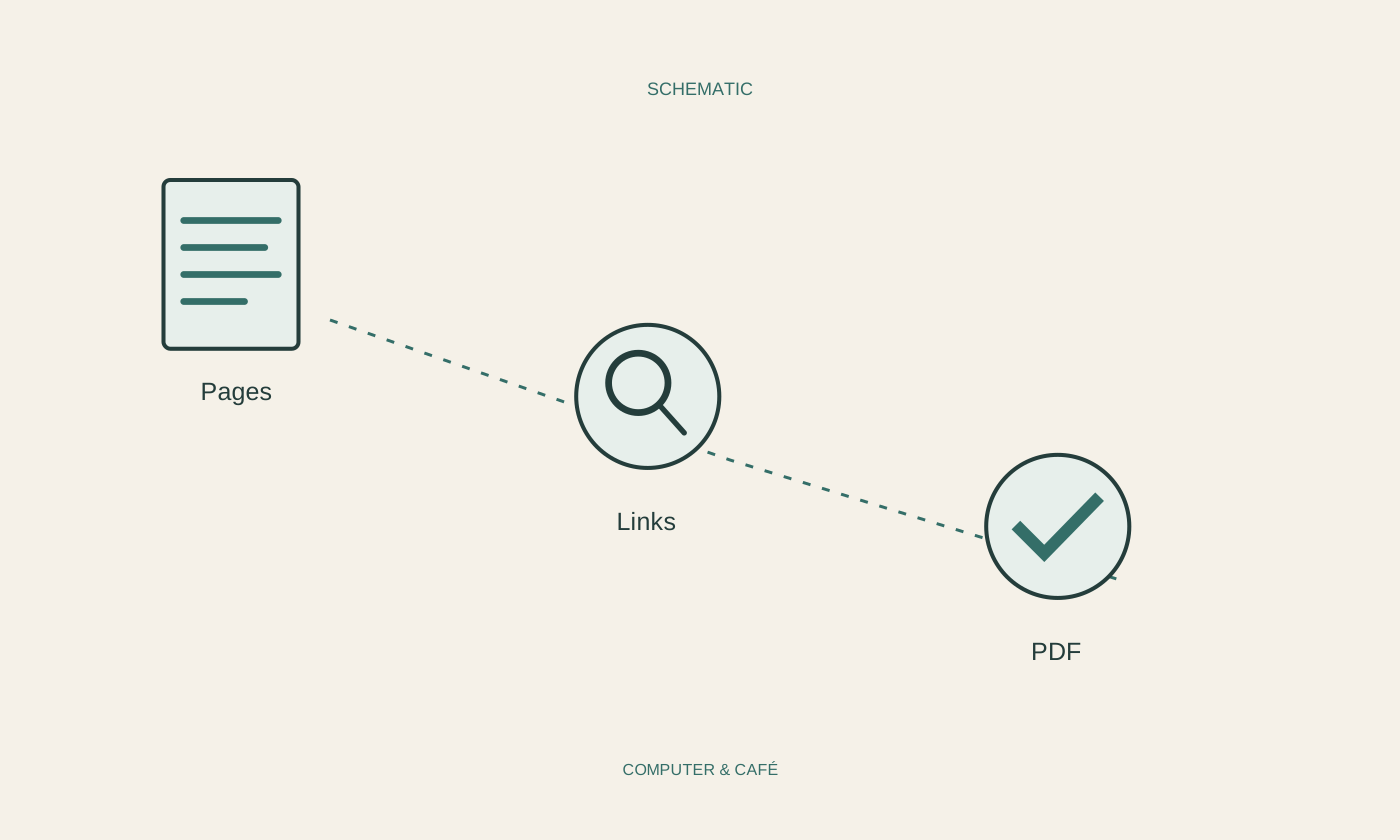
Compare the page count with your expectation and move through the overview. Look for accidental blank pages, duplicated sections and missing attachments. A correct total is not enough: one duplicate and one missing page can cancel each other out numerically. The sequence also needs to make sense as a document someone can read from beginning to end.
If only part of the source was meant to be exported, inspect the actual selection. An old print area or page range may have remained active. Check portrait and landscape pages in mixed documents as well. A report that is barely understandable on a large monitor may be unnecessarily difficult to read on a smaller screen.
Try the text, pictures and links
Enlarge small labels and check that pictures retain the detail they are supposed to communicate. Heavy image compression can defeat an illustration's purpose despite producing an attractively small file. Test links and inspect their destinations, especially where an internal working address could have been included instead of the intended public page.
In scanned documents, visible lettering is not automatically searchable text. Search for a word you know is present. If optical character recognition was used, inspect important names and numbers carefully because the recognised characters can differ from the visible source. Searchability is helpful but does not guarantee that every detail has been transcribed correctly or will be found under the expected spelling.
Remove confidential material properly
Inspect comments, form fields and other information that may have been exported. A black rectangle over a name is not automatically secure redaction. Depending on the method, the underlying text can remain present and copyable. Use a documented genuine redaction tool or create and verify a cleaned source version for sensitive material.
Check the result independently: search for removed terms, try selecting the relevant area and follow the application's guidance for the chosen method. Particularly sensitive documents deserve more than a glance at the visible page. Avoid unfamiliar online tools that require handing over the complete confidential file before they can process it for you.
Prepare the final handover
Name the ready-to-send file so its subject and version are clear. Consider whether its size fits the intended delivery route and whether the recipient specified requirements for forms or readability. Do not claim accessibility or compliance with a document standard solely because the file was saved as a PDF.
Keep the editable source and the exact PDF sent to the recipient distinguishable. You can then make later changes while retaining evidence of the delivered version. Attach the checked file to the message and inspect its name once more before sending. That final small comparison prevents a surprisingly common mistake: reviewing the right document carefully and then attaching a different version.
Open the actual export and check completeness, readability, links and private information before sending it.