Separate appointments from tasks
An appointment usually has a fixed time: a conversation on Tuesday or a collection on Friday. A task may be completed within a period instead. If both appear in the calendar without distinction, flexible work starts looking like a fixed commitment and the day seems more tightly booked than intended.
Begin with one calendar for fixed appointments and a short task list for the week. These can be two areas of the same application. What matters is knowing where a new entry belongs. You do not need another account or an elaborate project-management setup to make that distinction useful.
Write the next action clearly
An entry saying “Insurance” does not explain what you need to do. “Email a question about the invoice” identifies an action. Write tasks so you will not later have to reconstruct why you added them. For a larger project, recording the next useful step may be enough for now.
Where the application supports it, keep helpful details alongside the entry: the documents needed, an address or a short question. Avoid adding sensitive information that is not required there. A task list should not accidentally become a store of passwords or complete payment details.
Leave room in the week
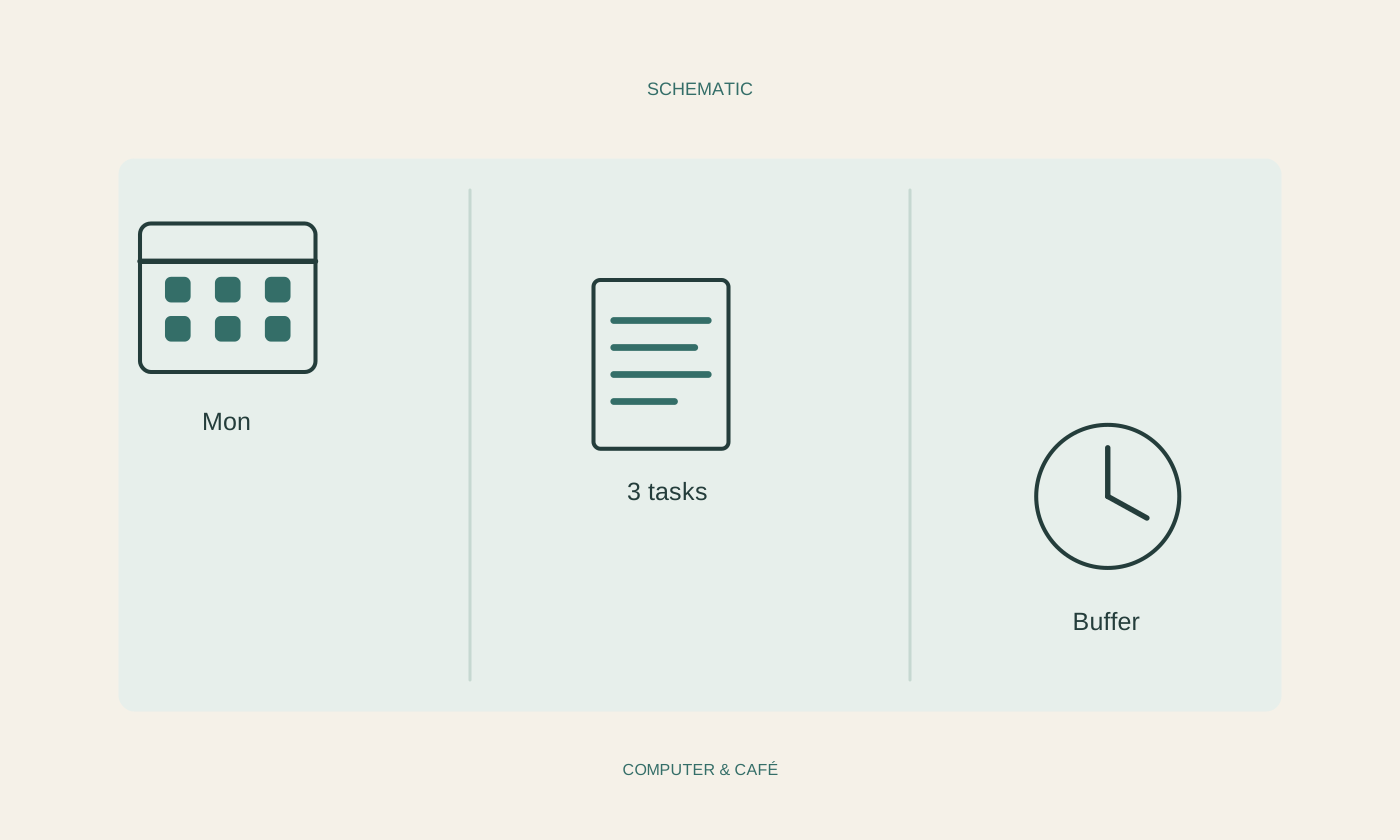
Enter fixed appointments first, then look at the time left between them. Allow for travel, preparation and small breaks. A gap between two appointments is not automatically available in full for another task. A realistic margin is more useful than a plan that becomes impossible to follow on Monday morning.
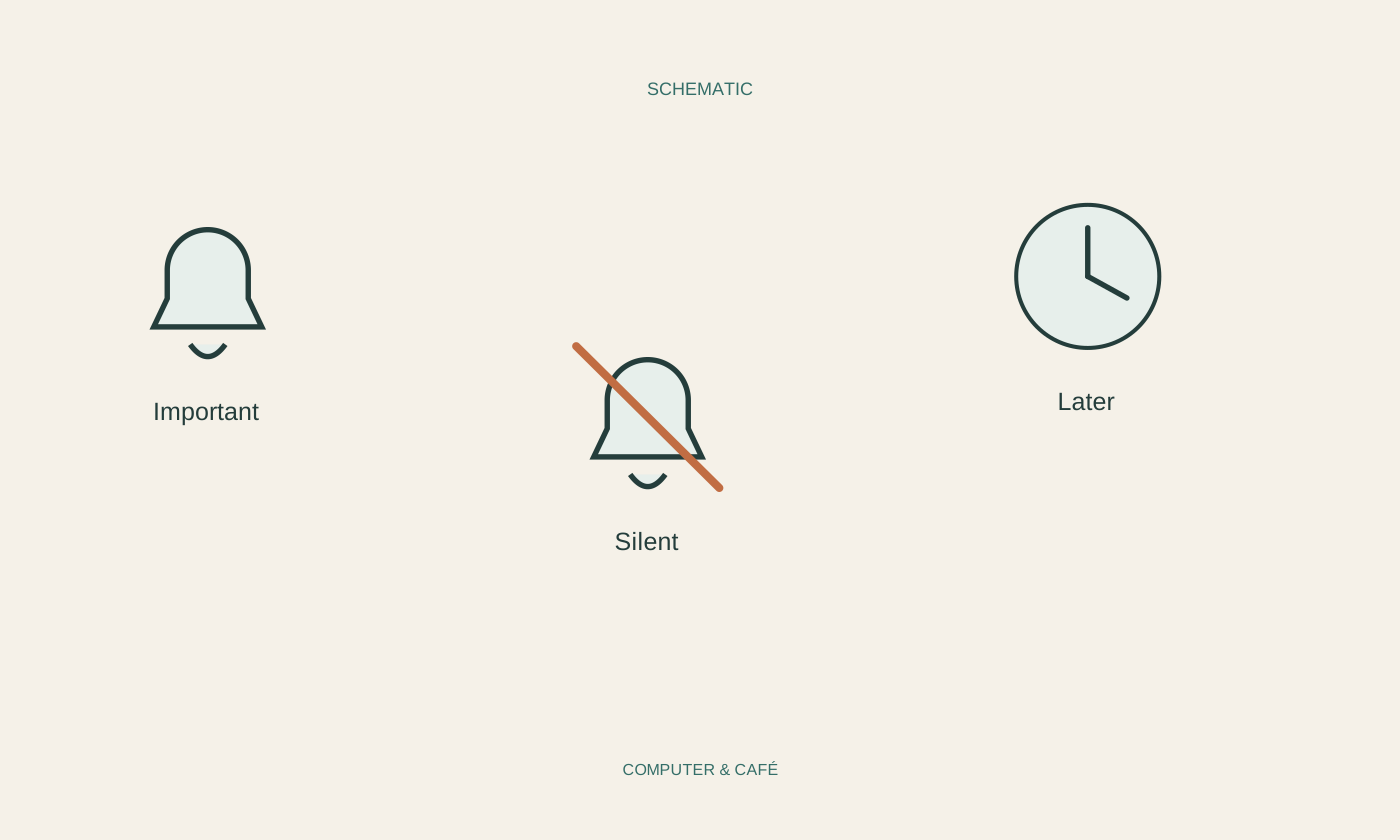
Choose a few important items from the task list for this week. Other entries can remain in a separate later list. This makes the current priorities visible. Marking everything as urgent removes the value of the label and leaves it unable to guide your choices during a busy day.
Use reminders selectively
A reminder helps when it arrives in time for a concrete action. An alert immediately before an appointment is of little use if you first need half an hour to travel there. Set reminders around when you must respond, not only around the start time shown in the calendar.
Avoid several alarms for every small task. Otherwise you may get used to dismissing them unread. For an important event, use a harmless test to check that reminders appear on the intended device. Synchronised calendars and disabled notifications can otherwise create gaps you discover too late.
Keep a short regular review
At the end of the week, spend a few minutes reviewing unfinished entries. Mark completed work, remove obsolete tasks and deliberately reschedule what still matters. Do not automatically move an item forward when it remains unclear why it is postponed every week. You may need information, or the next step may be too large.
Keep the plan somewhere you actually open regularly. An elaborate second list in a rarely used app is more likely to create duplicate work. After a few weeks, you will see which information helps. Remove fields and labels that you maintain dutifully but never use to make a decision.
Separate fixed appointments from flexible tasks and record the next useful actions. A workable weekly plan can stay simple.