Choose one working version
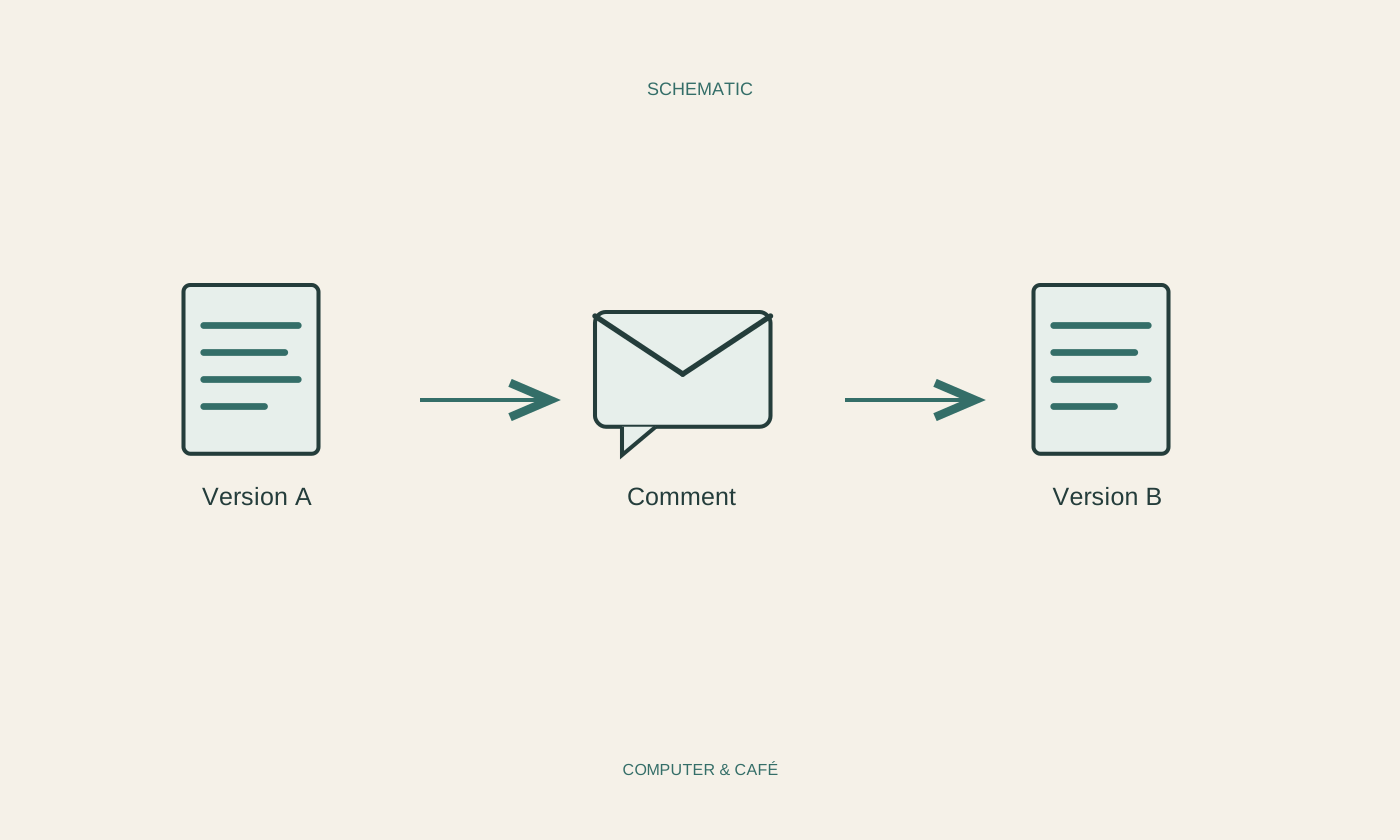
Agree which file is being edited and who will assemble the next version. If two people change separate copies simultaneously, competing drafts quickly appear. A shared document can help when everyone has access and the system supports the collaboration you need. Otherwise, agree a clear sequence for passing the file between reviewers.
Give an emailed file an identifiable date or version in its name. Final_new_really does not explain which copy is authoritative. Preserve the starting version before substantial changes begin. Questions about a removed paragraph or earlier wording can then be answered from an actual document instead of relying on two different recollections of what it used to say.
Use comments for questions and explanations
A comment suits a question about the content or the reason behind a proposed revision. Attach it to a specific passage. Saying that a figure needs a source is more useful than a broad remark that the section is wrong. Write so that the other person can identify a practical next action.
Distinguish necessary corrections from preferences. An incorrect date needs different treatment from wording you happen to prefer. Combining several unrelated issues in one comment makes individual points easy to miss. Keep connected questions together but separate independent decisions. A short, factual tone makes feedback easier to process even when the document needs attention in many places.
Enable change recording deliberately
If the application supports tracked changes, confirm that recording is enabled for this working copy before editing. Additions and deletions can then be marked according to the program's capabilities. Not every kind of edit is necessarily captured completely. Support depends on application and file format, so unusual objects or substantial layout changes deserve their own inspection.
Check display settings before assuming that a clean-looking page contains no pending changes. Hidden markup is not the same as accepted revisions. Review proposals individually or in sensible related groups. Accepting everything at once can approve a significant change of meaning just as easily as it accepts a harmless spelling correction, so the convenience needs to match the review already performed.
Match access to the person's task
For a shared document, permissions should reflect the job. Someone who only needs to read or provide feedback does not always need full editing rights. Check the roles actually offered by the service. Public access is not a necessary default for working with one identified person.
Test access and establish whether the other person needs an account. A link working in your own signed-in browser does not demonstrate that sharing is configured appropriately. Remember too that withdrawing access cannot retrieve copies already downloaded. Confidential work therefore requires attention both to current access and to the versions that have actually been distributed.
Create the finished version explicitly
After agreeing the content, inspect unresolved comments and undecided revisions. Deliberately prepare the version to distribute rather than treating whichever file is currently visible as finished. Check for internal notes or names in comments that are not intended for the final recipient.
Open any exported PDF separately and review important passages and page breaks. Retain a suitable editable version for future changes. Where useful, record who approved the final draft, without claiming agreement that was never given. This closes the collaboration with a clear result rather than several equally plausible attachments, each apparently claiming to be the latest version of the same document.
Agree the working file and responsibilities, then handle comments, revisions and final approval as separate decisions.