Decide what sharing means at this desk
A shared desk is not always used by two people at the same time. One person may work there in the morning and another in the evening. Alternatively, two computers may sit side by side. Establish which arrangement you need before deciding whether to share equipment, store separate sets or switch devices between computers.
Choose a clear working area that should be empty again after each session. A keyboard, mouse and cables should fit there without moving someone else’s private paperwork. A shallow tray or separate shelf for each person can solve more problems than another electronic accessory.
Choose keyboard size around the available space
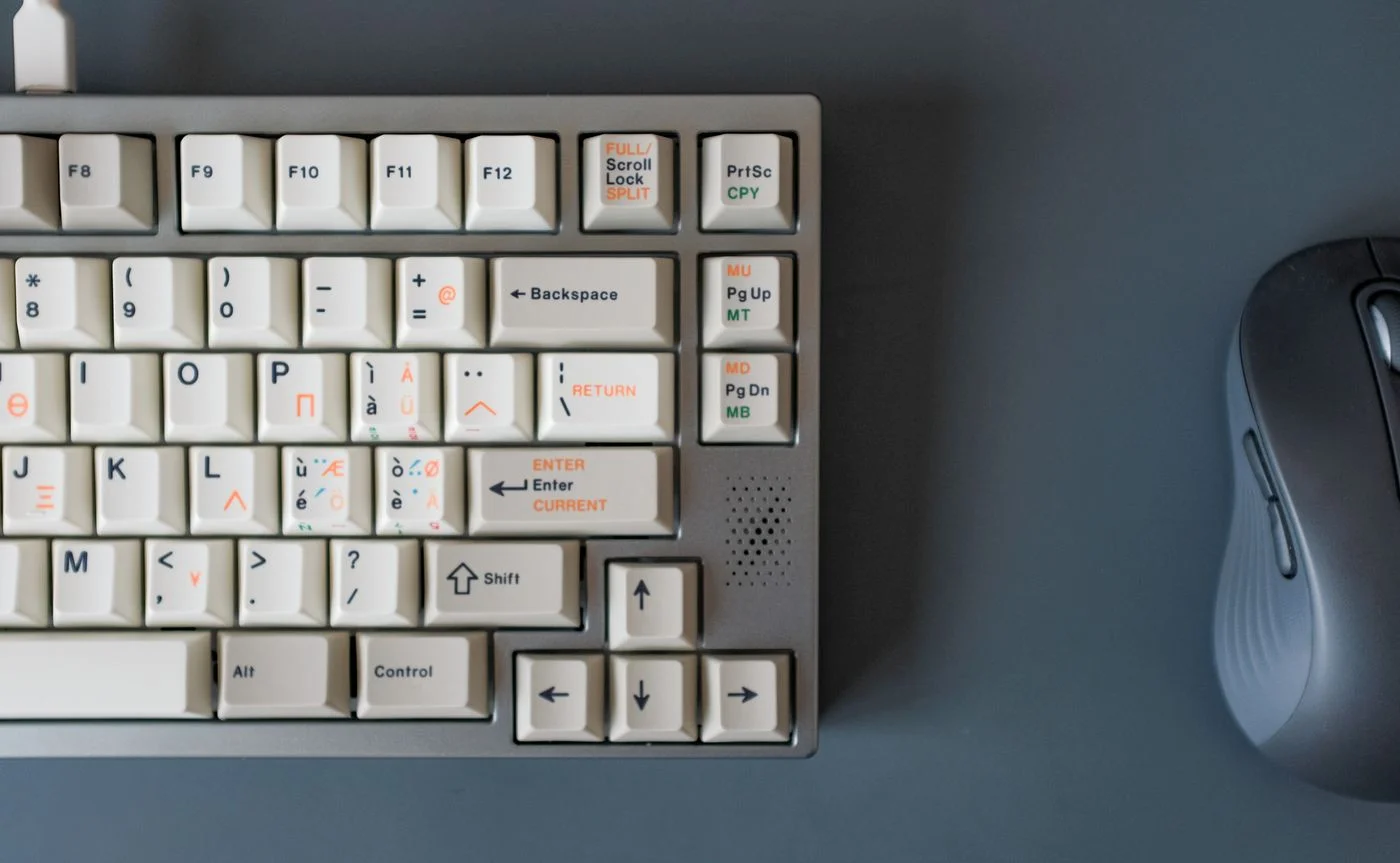
A wide keyboard with a number pad takes up more than its own footprint: it often pushes the mouse farther to the side. If the number pad is rarely used, a smaller keyboard may leave more room. Someone who enters long runs of numbers regularly has a reasonable reason to keep it.
Try different positions with the equipment you already have before buying anything. Place the letter keys you actually use in front of you. Leave room to move the mouse without hitting a cup or monitor stand. The next person should be able to adjust that position without dismantling the setup.
Make the connection easy to understand
Wired devices are usually easy to trace: a cable leads to the computer or a shared connection point. Wireless devices reduce visible leads, but need batteries or charging and a clear assignment. A tiny USB receiver is especially easy to lose when computers are exchanged.
Some keyboards and mice remember several Bluetooth connections. Before buying, check how switching works and whether both devices support the arrangement you want. Pressing a button on the keyboard does not automatically switch the mouse as well. Label the connection positions if necessary instead of relying on everyone remembering them.
Keep two computers distinct
Someone switching between two computers might consider an appropriate USB sharing switch or KVM switch. These devices do different jobs: a basic USB switch does not automatically share the display. Connections, supported devices and power requirements must match the equipment you actually use.
Before entering sensitive information, check which computer currently receives the keyboard input. Move the pointer and look at the correct display. Sharing a keyboard does not remove the need for separate user accounts. Sign out or lock your computer when you finish, before the next person takes the desk.
Agree on a short handover routine
A few predictable actions help at the end of a session: save open documents, lock your own computer, put away personal paperwork and return input devices to the agreed place. Keep a charging cable accessible without stretching it across the entire table.
Clean shared equipment according to the manufacturer’s instructions. Do not spray liquid directly into a keyboard or onto a mouse. If one person uses their left hand and another their right, keep enough space available on either side. A useful shared arrangement allows adjustment instead of prescribing one fixed position for everyone.
Make the setup easy to adjust and easy to identify: which computer is receiving input from each device?