Distinguish the local network from the internet
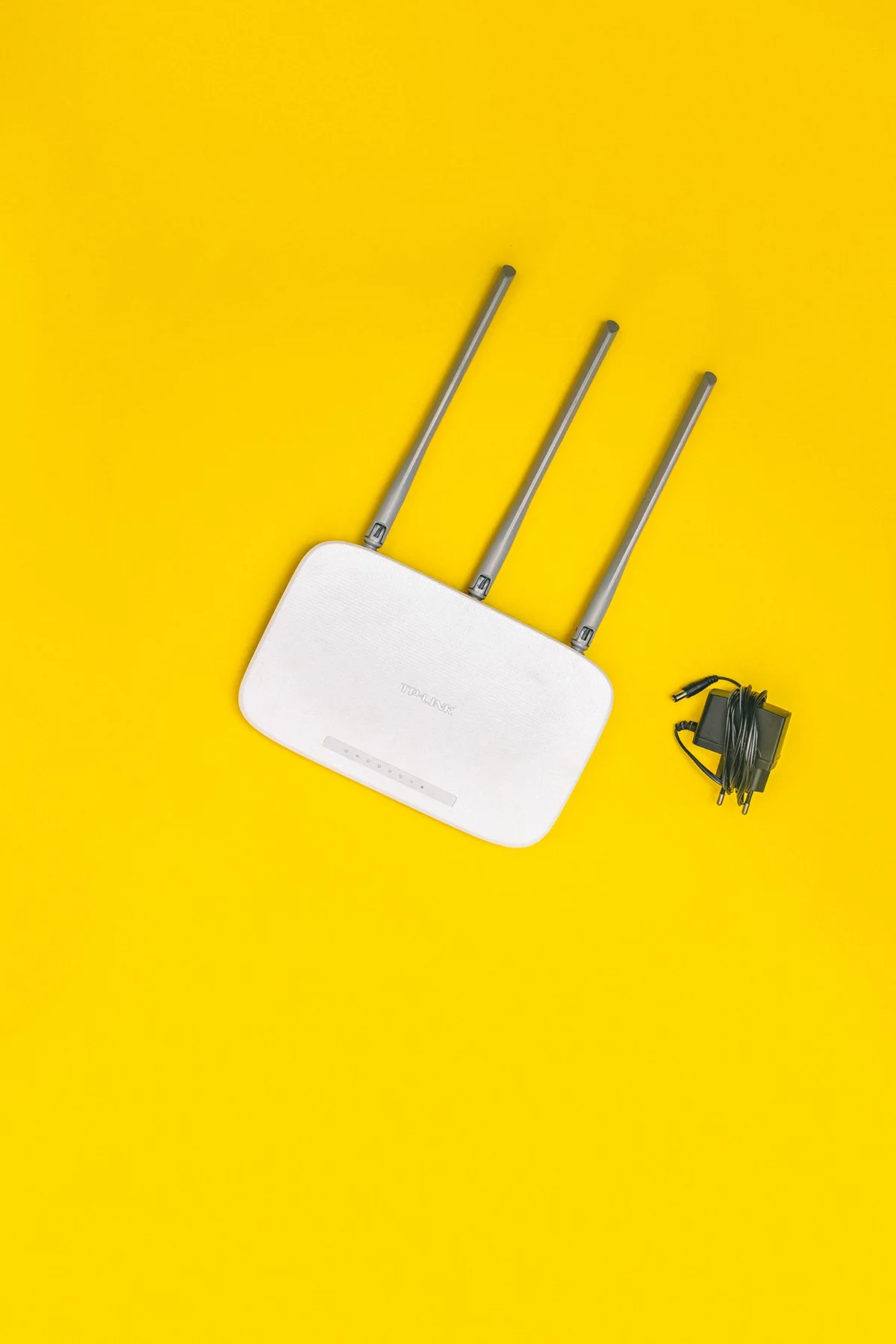
A computer can be connected to its router while the router cannot currently reach the internet. Wi-Fi and Ethernet initially describe the route into the local network. The internet connection is another part of the chain. A visible Wi-Fi symbol therefore does not prove that every website must be reachable. Conversely, a local printer may still work during an internet outage. This distinction helps both troubleshooting and comparison. First identify whether you are trying to reach another computer, a printer or an online service. Those destinations may behave differently despite the same connection icon.
Consider a cable at a fixed desk
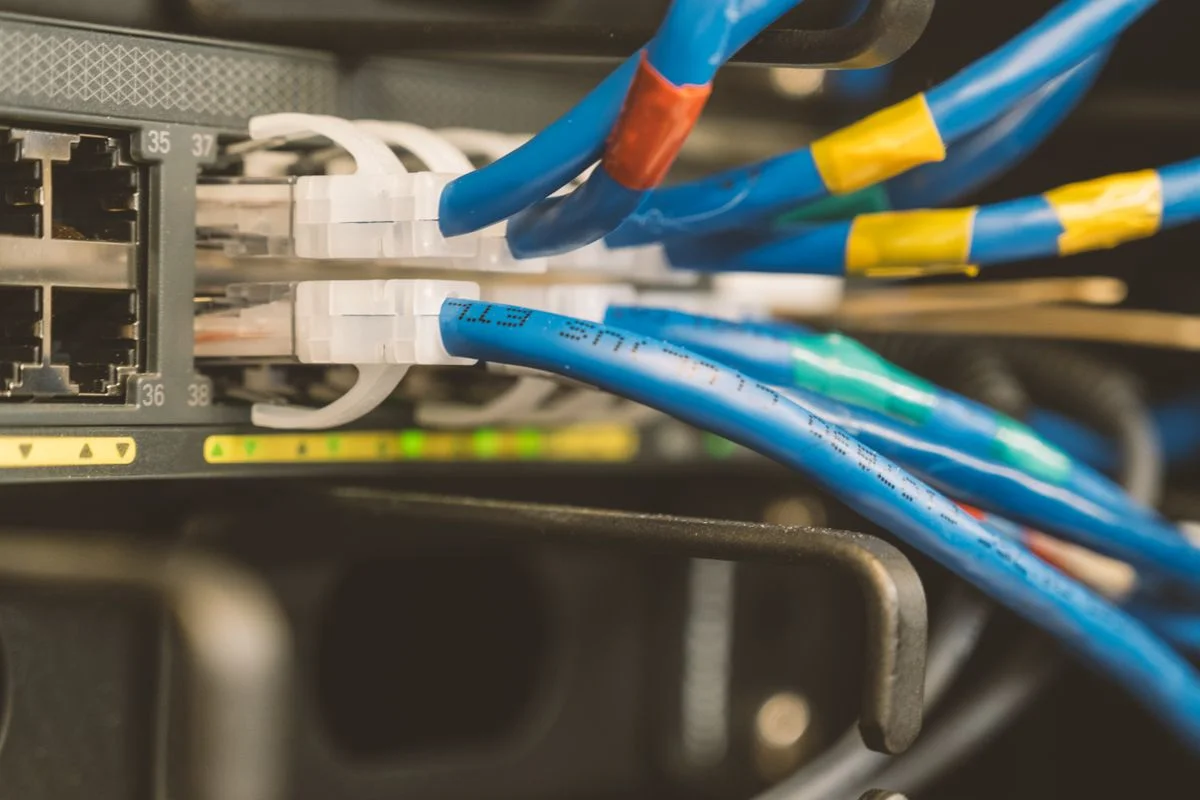
Ethernet uses a suitable network cable leading to a network socket, often on the router. At a permanent workstation, this is easy to understand because the cable and both endpoints are visible. A laptop without the relevant socket may need a compatible adapter. Check its operating system support and the capabilities of the whole connection. A faster-rated adapter alone cannot speed up a slower internet service. Plan the cable route so it creates no trip hazard and cannot be crushed by doors or furniture. A plug should stay connected without being pulled tight by the weight or position of equipment.
Understand the convenience of Wi-Fi
Wi-Fi allows movement within the covered area without running a network cable across the room. Its performance depends partly on location, obstacles, surroundings and the devices involved. A strong signal helps but is not the only requirement for a good connection. Test the intended task where you will actually sit, such as a call or opening a larger working file. Do not compare only the symbol in the menu bar. Choose your own or the explicitly intended network and inspect its name carefully. A network with a similar name is not necessarily the same one or a trustworthy alternative.
Make the comparison fair
To compare both options, use the same computer and service under reasonably similar conditions. Establish which connection is actually in use; when Ethernet and Wi-Fi are both available, the system may prefer one. Avoid large background downloads during the comparison. Repeat an ordinary task several times instead of turning one fast or slow moment into a general conclusion. For video calls, consistent performance and few interruptions can be more informative than an isolated maximum speed. Record observations such as brief audio gaps or reliably opened files without immediately attributing them to a particular piece of hardware.
Keep the combination that suits you
You do not need to commit exclusively to one method. A cable can serve a fixed desk while Wi-Fi remains convenient elsewhere at home. Record where an adapter belongs and keep its matching cable accessible. Regardless of the connection, maintain and secure the router and computer according to their manufacturers’ guidance. A cable does not automatically make an insecure device trustworthy. When problems arise, separate questions about the local connection, router and internet service. This prevents repeatedly changing wireless settings when the actual fault lies beyond the wireless part of the route, saving time and avoiding unnecessary configuration changes.
Judge the connection through your task and separate network access from internet access.